
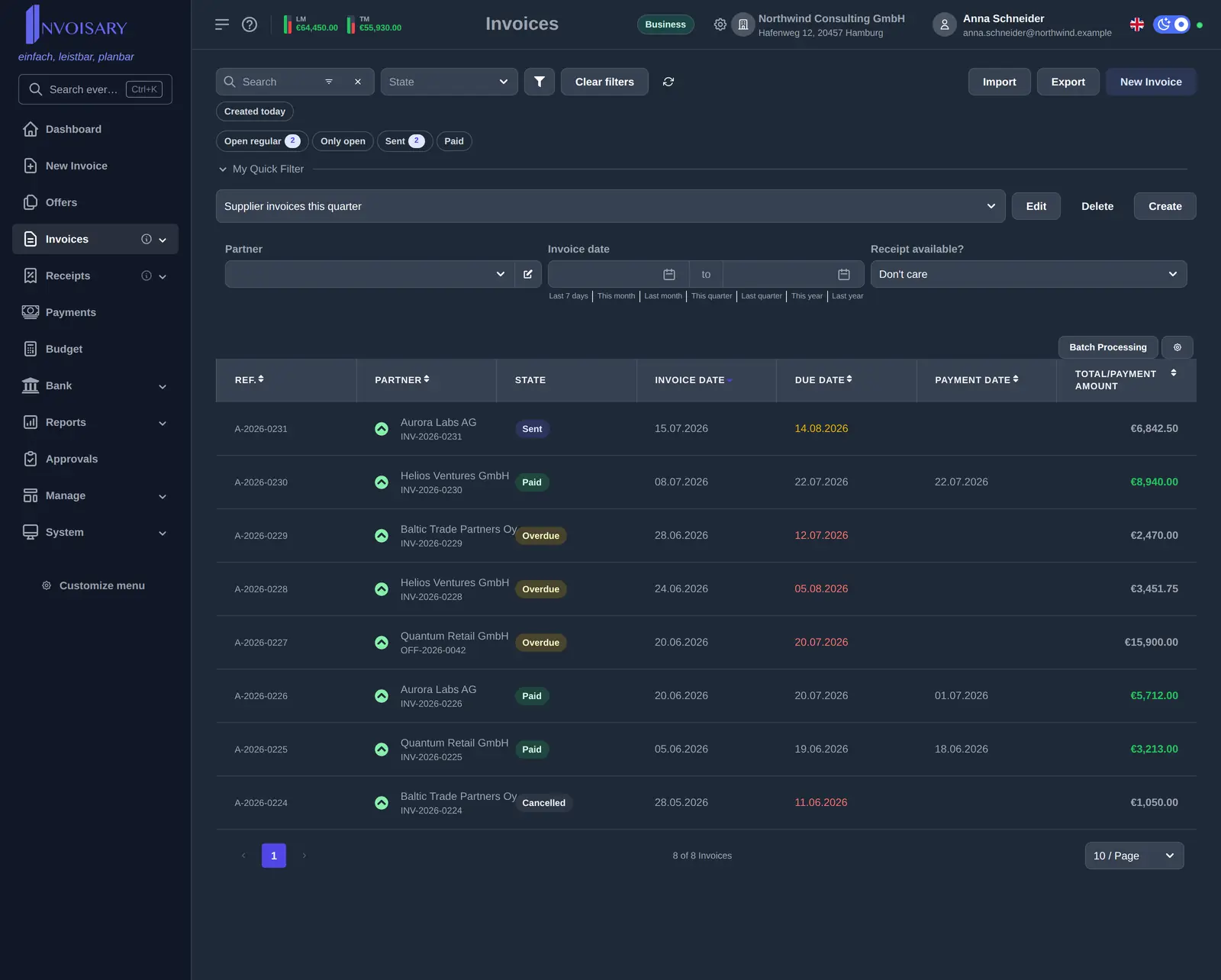
Extensive filters
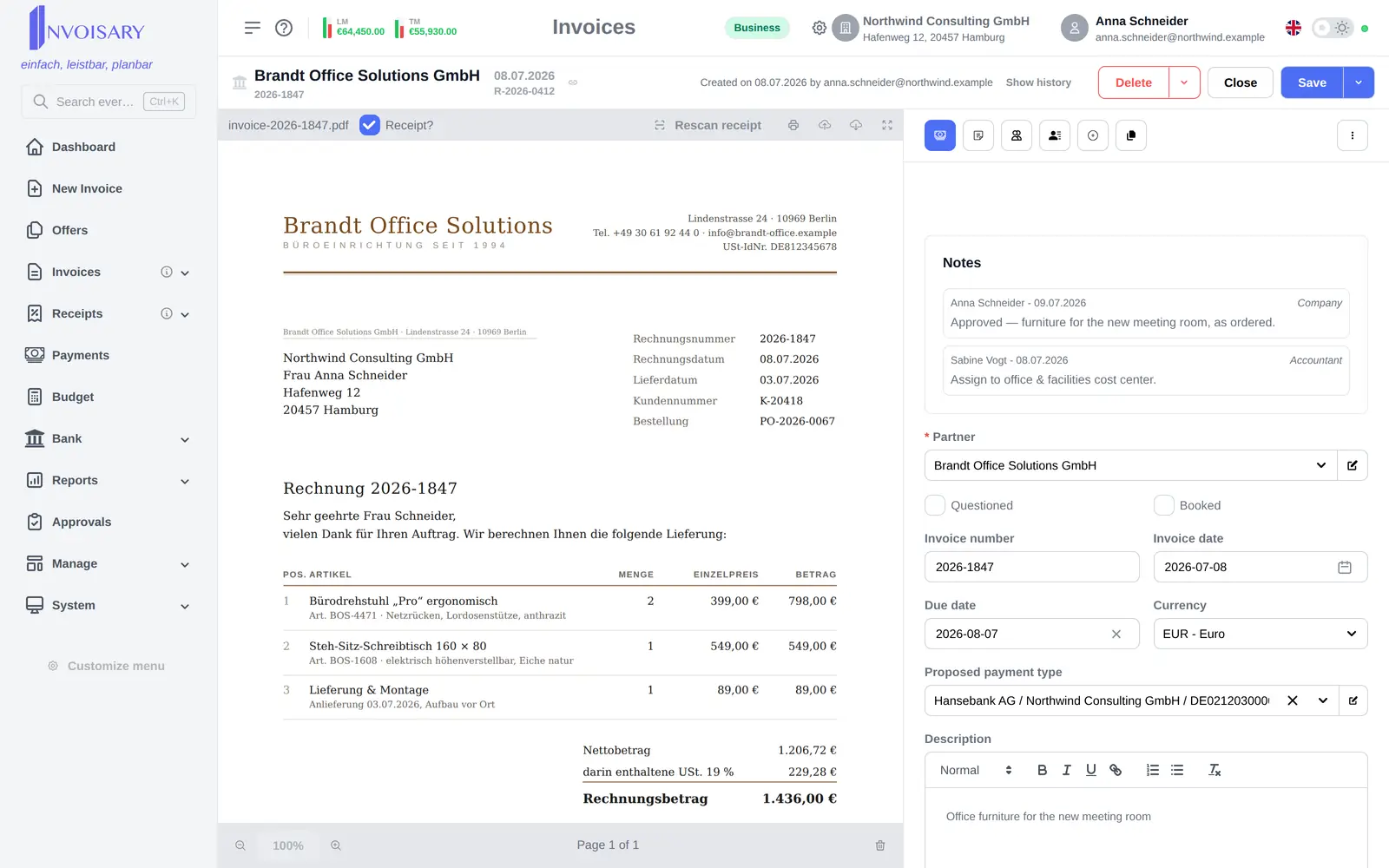
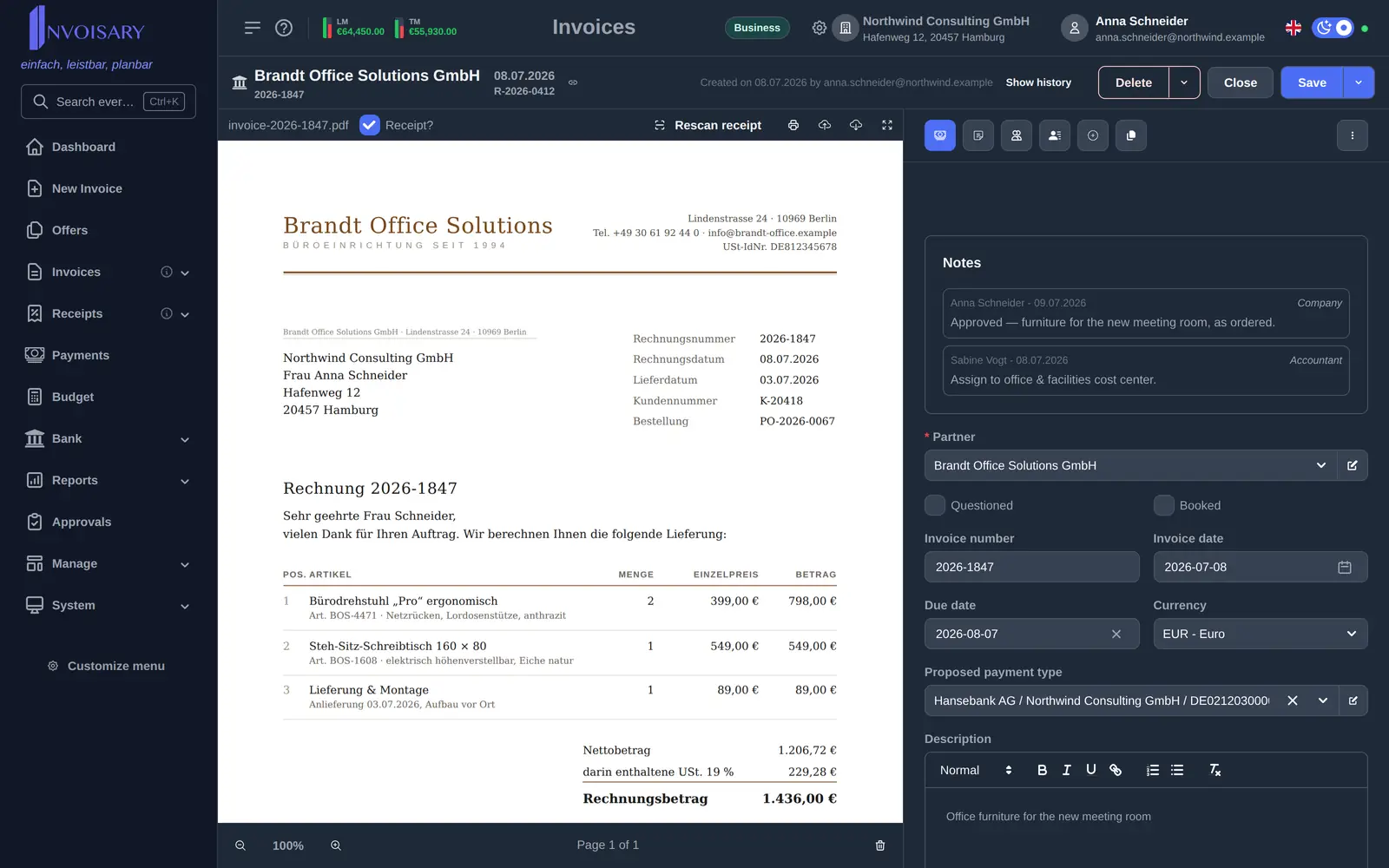
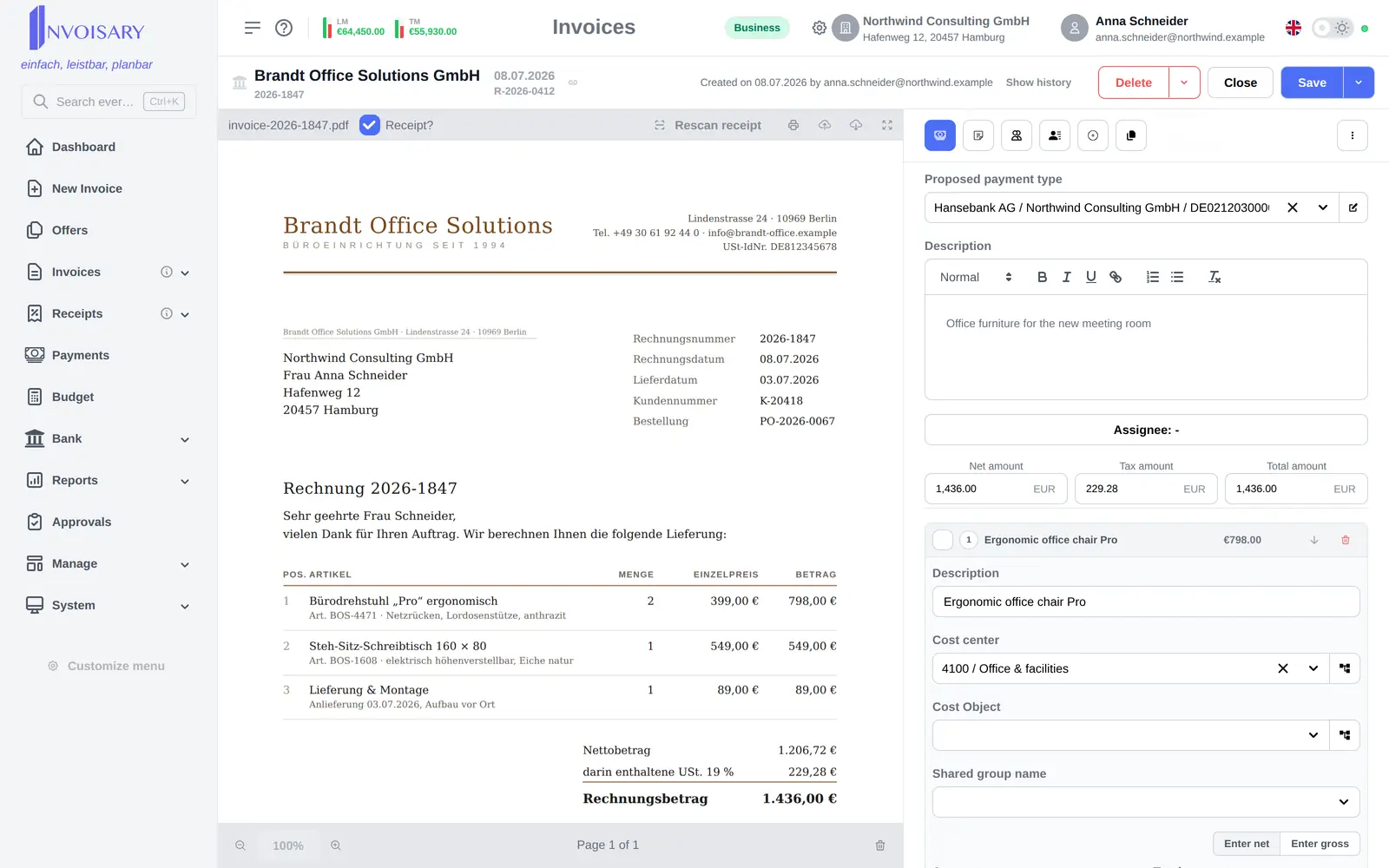
Filter by partner, invoice, due and payment dates, net and gross amounts, currency, cost center, product, payment option and more.
Invoices
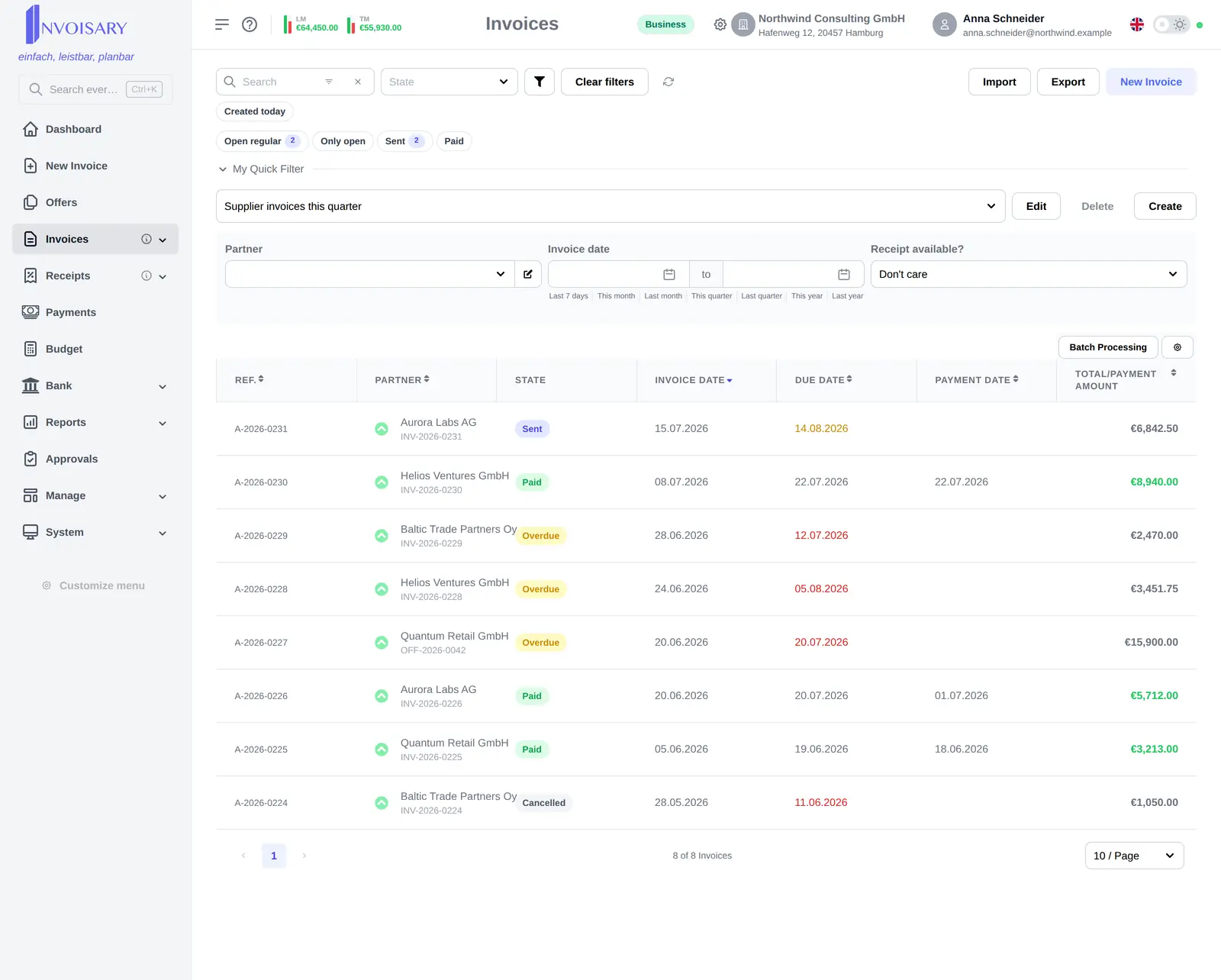
The invoice list starts with a curated set of columns instead of all ~25 and adapts per user to the way each person works.
What is included
Filter invoices by partner, date, amount and cost center, save quick filters, and process several invoices at once.
Filter by partner, invoice, due and payment dates, net and gross amounts, currency, cost center, product, payment option and more.
Frequent views are stored as named quick filters, and an admin can define a tenant-wide default filter for everyone else.
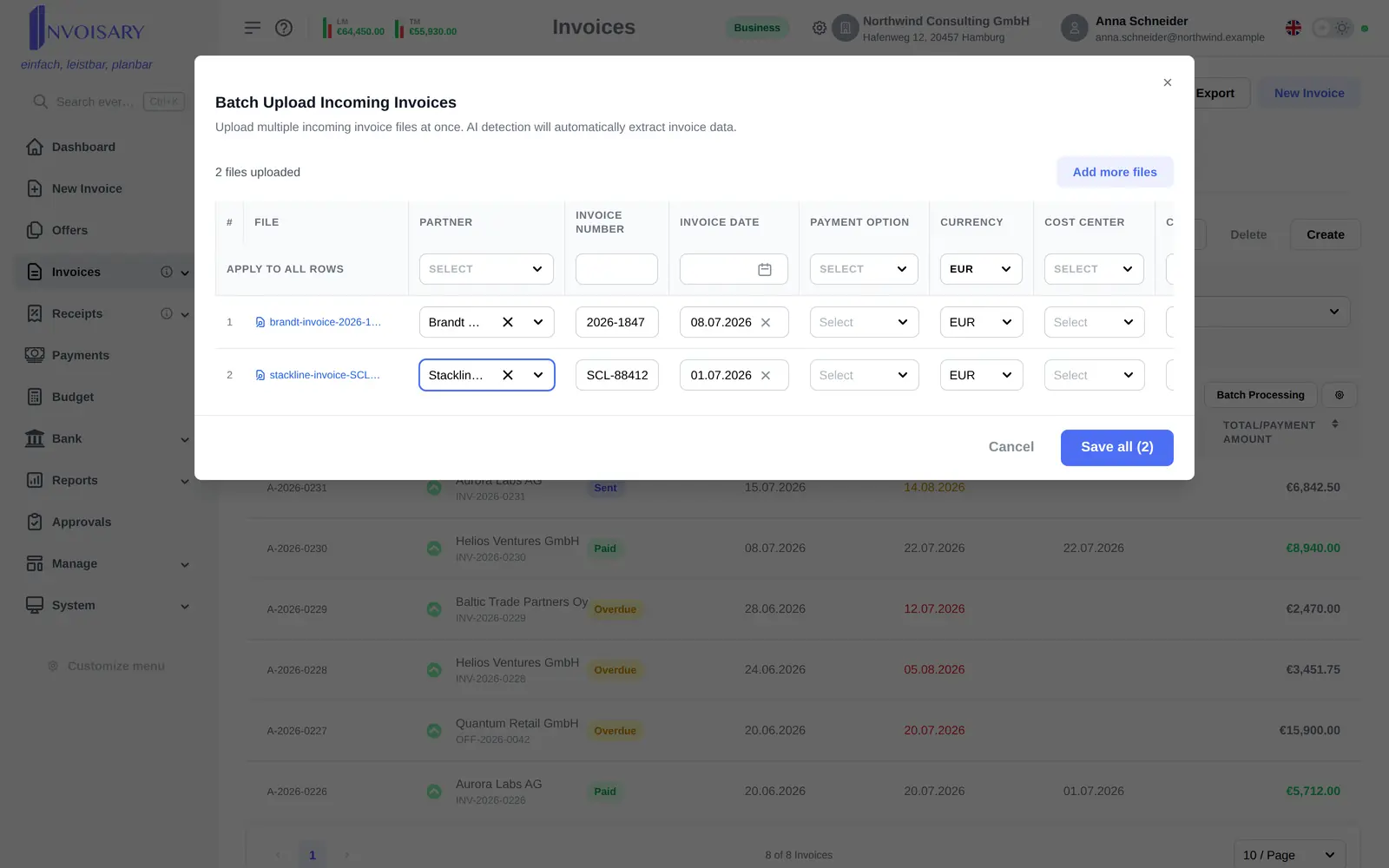
Batch mode marks several invoices booked or deletes them together, and a totals row sums only the selected rows.


Invoisary. Invoices, expenses, and budgets in one workflow.