
Deep-linkable
Every invoice has its own address that can be shared and bookmarked, and browser back returns to the list.
Invoices
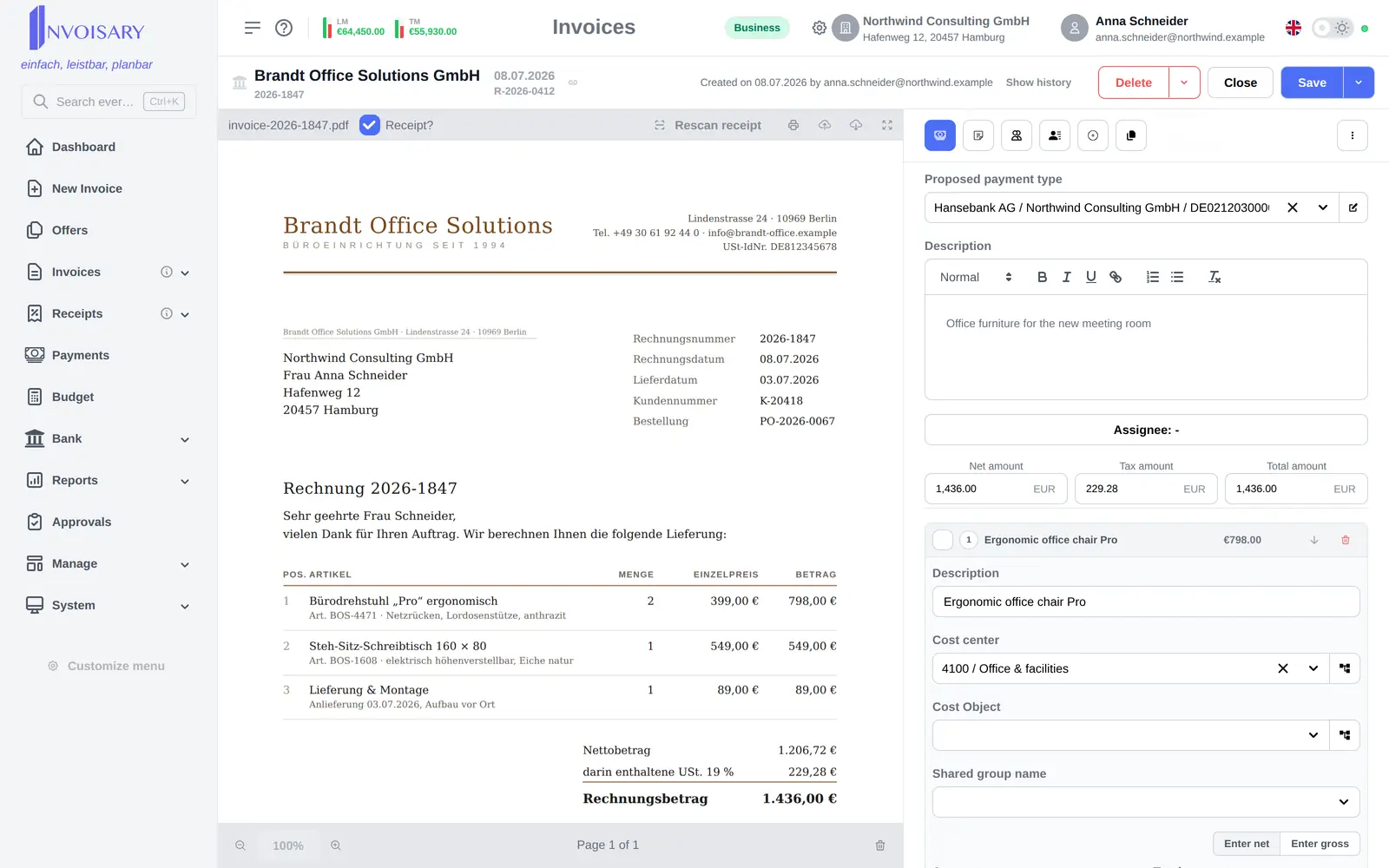
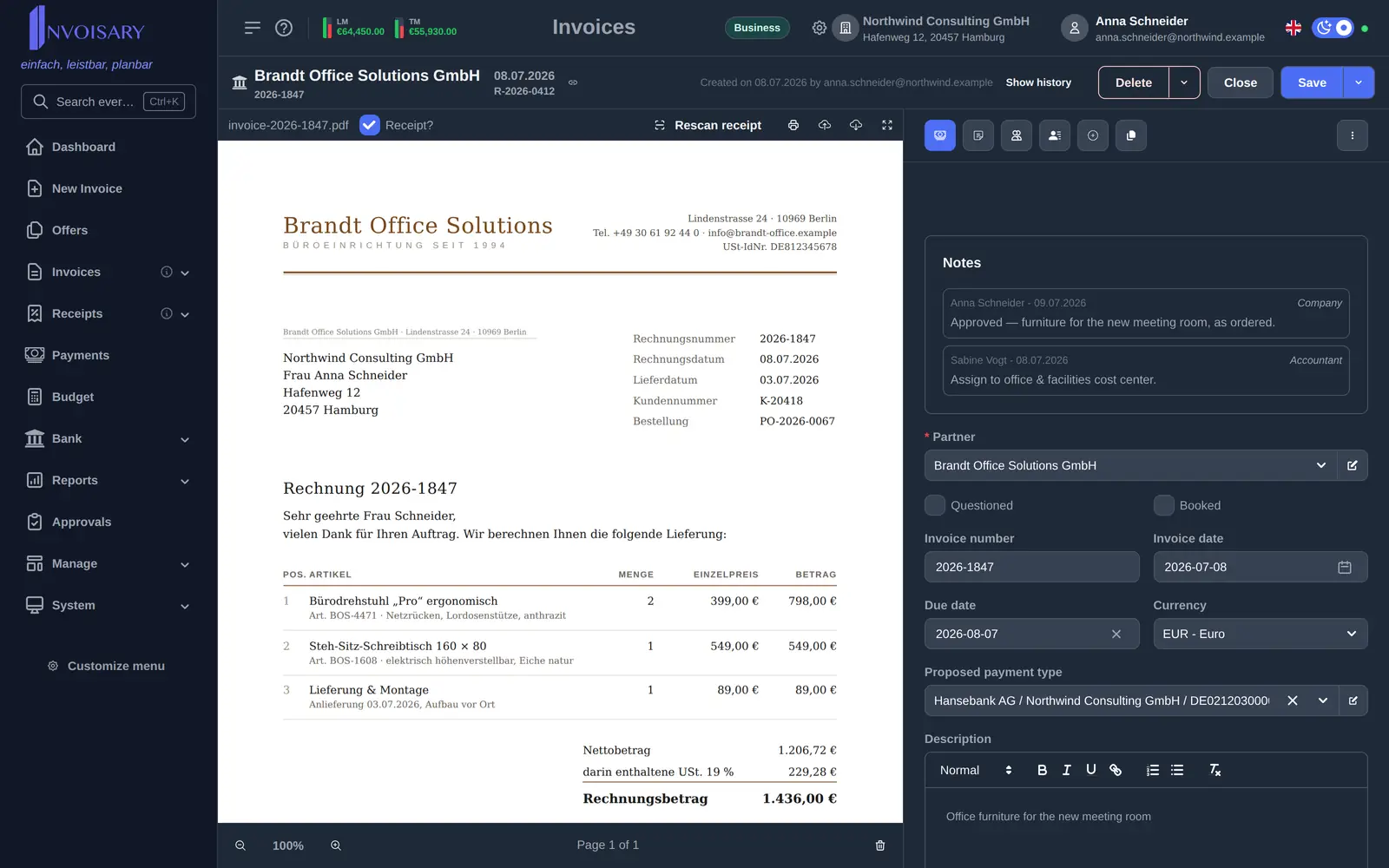
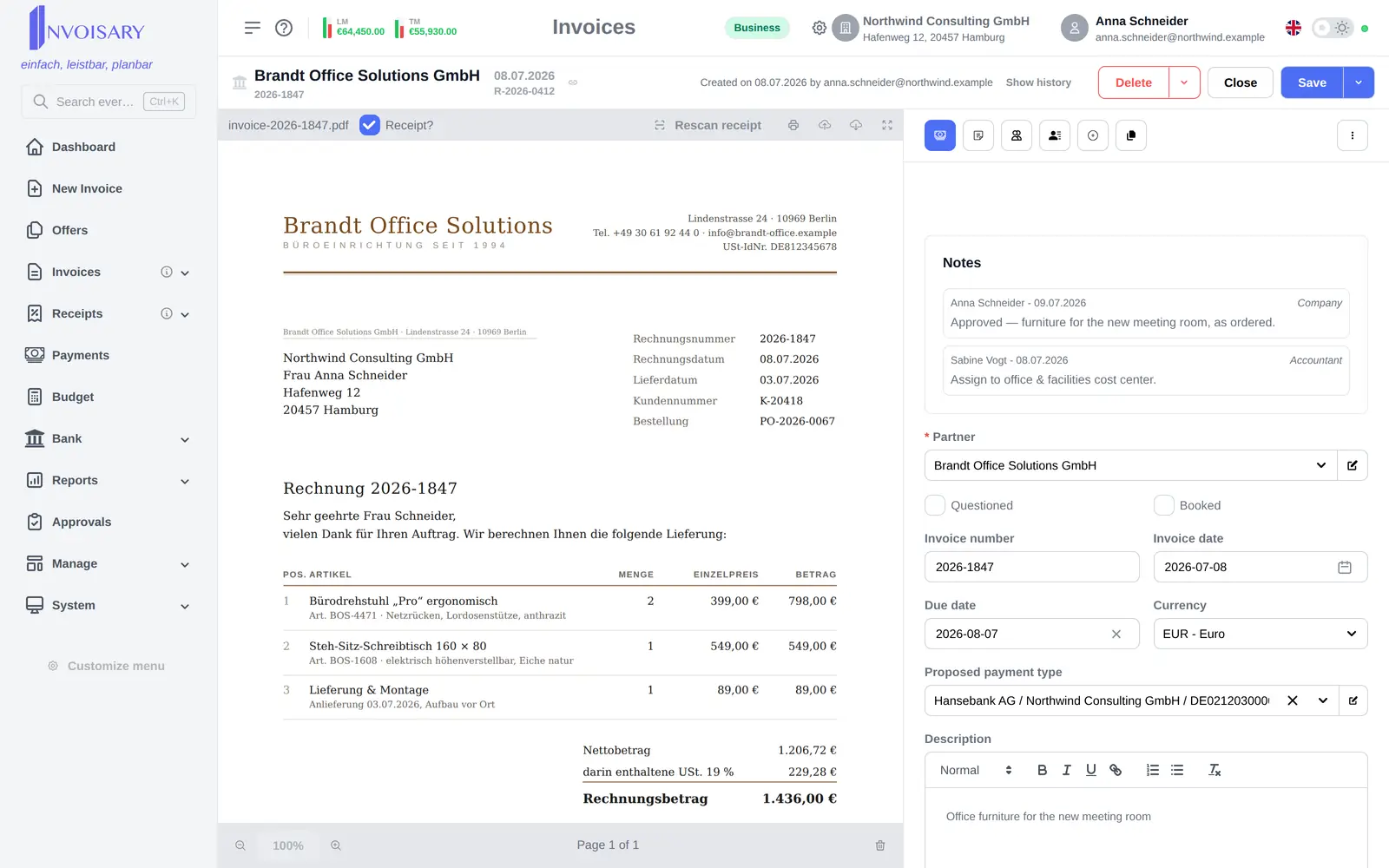
Invoices open on their own page under their own URL. The receipt or rendered PDF fills the left side while the form sits in a fixed-width column on the right.
What is included
Receipt and form side by side on a deep-linkable page, with a guard against unsaved changes.
Every invoice has its own address that can be shared and bookmarked, and browser back returns to the list.
On narrow screens the document stacks above the form instead of squeezing both side by side.
Leaving the page with unsaved changes asks for confirmation first, including when the tab is closed.


Invoisary. Invoices, expenses, and budgets in one workflow.