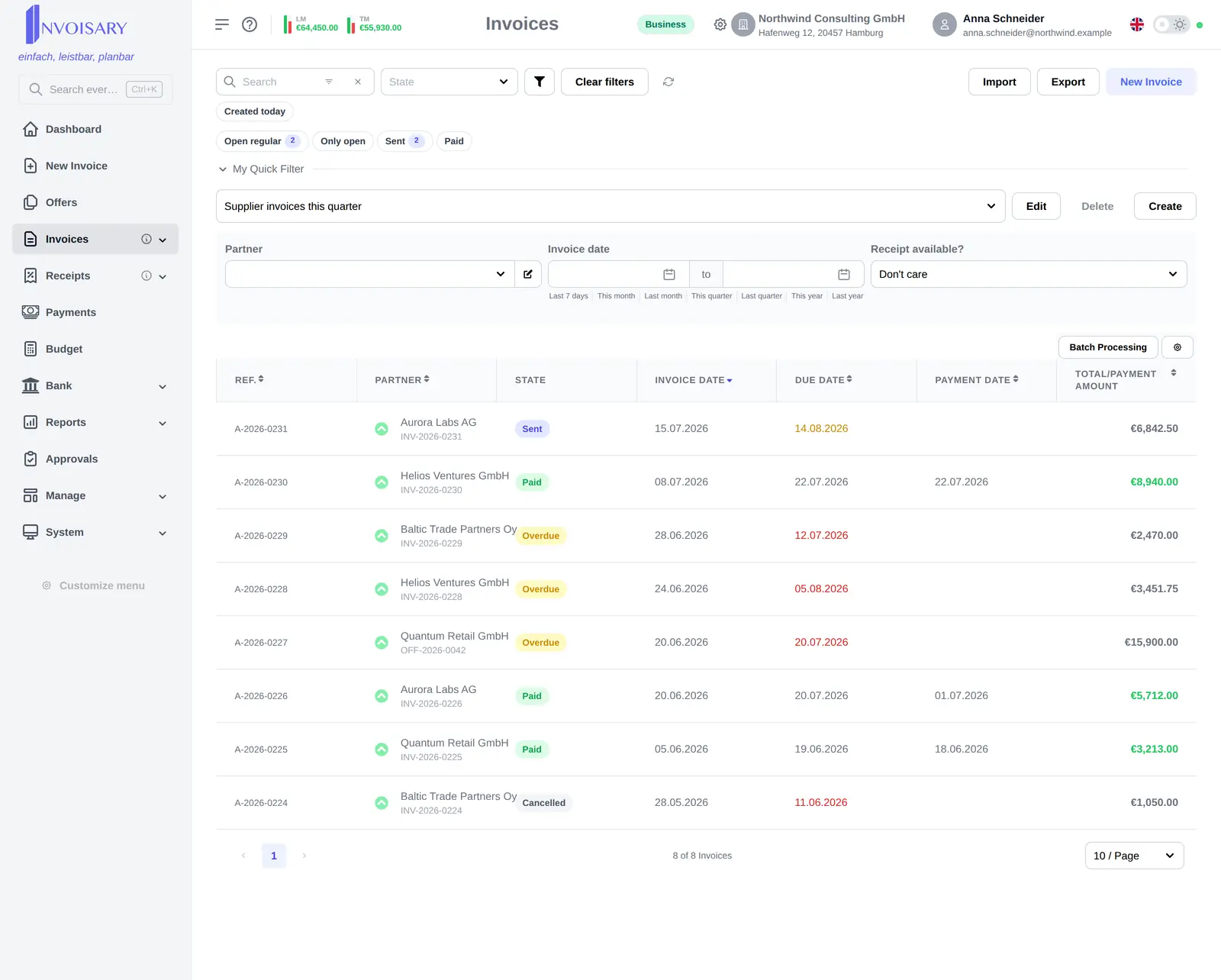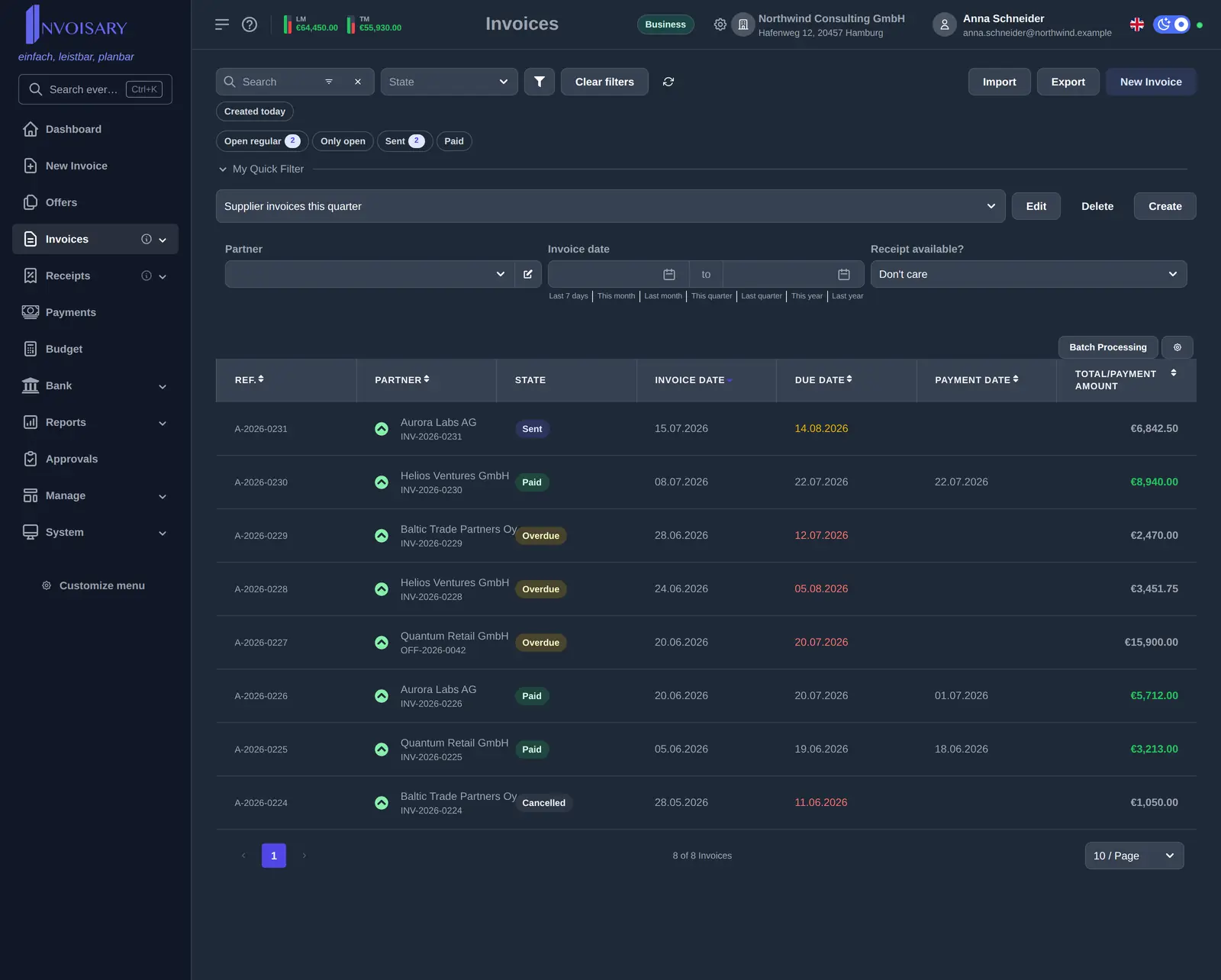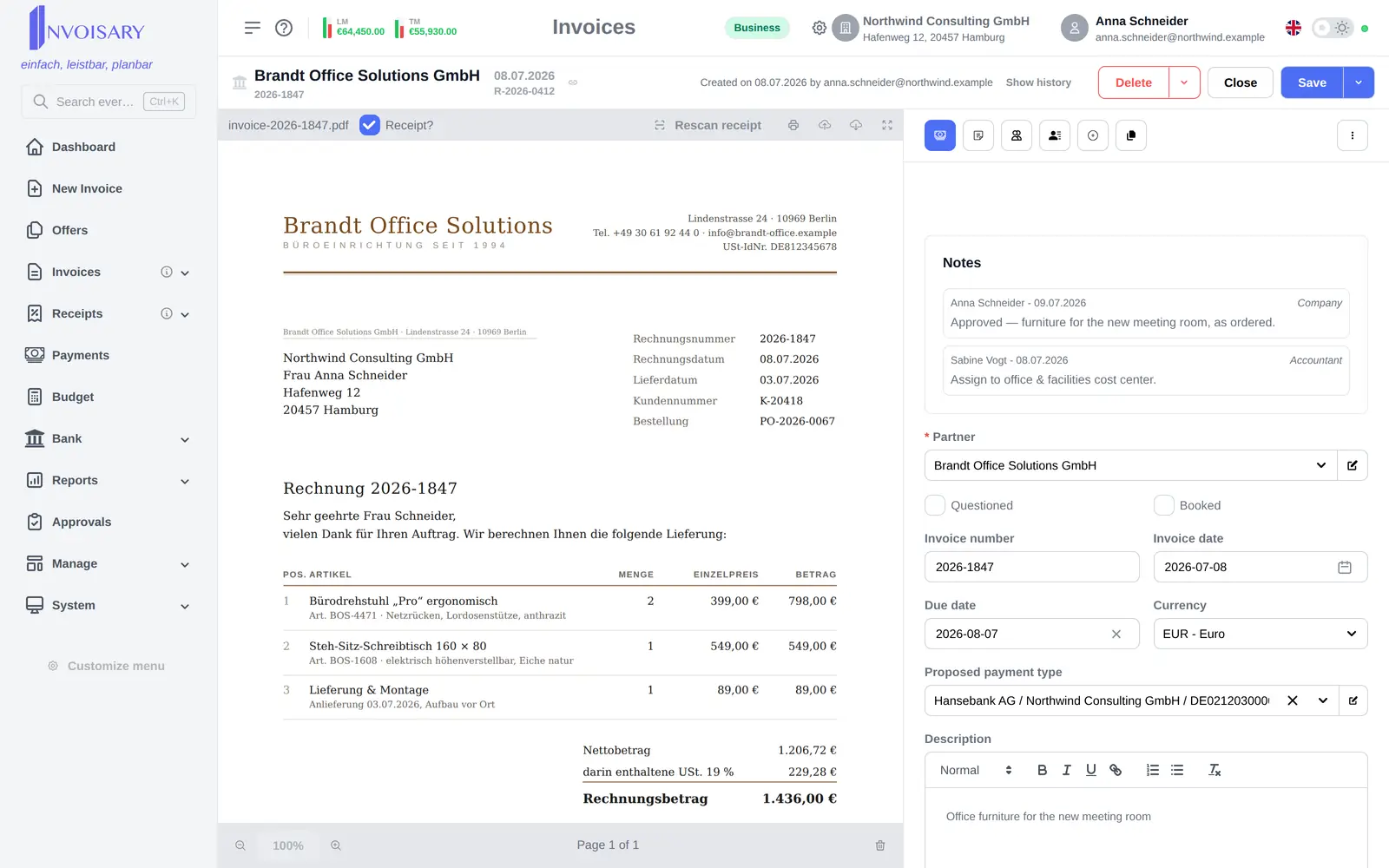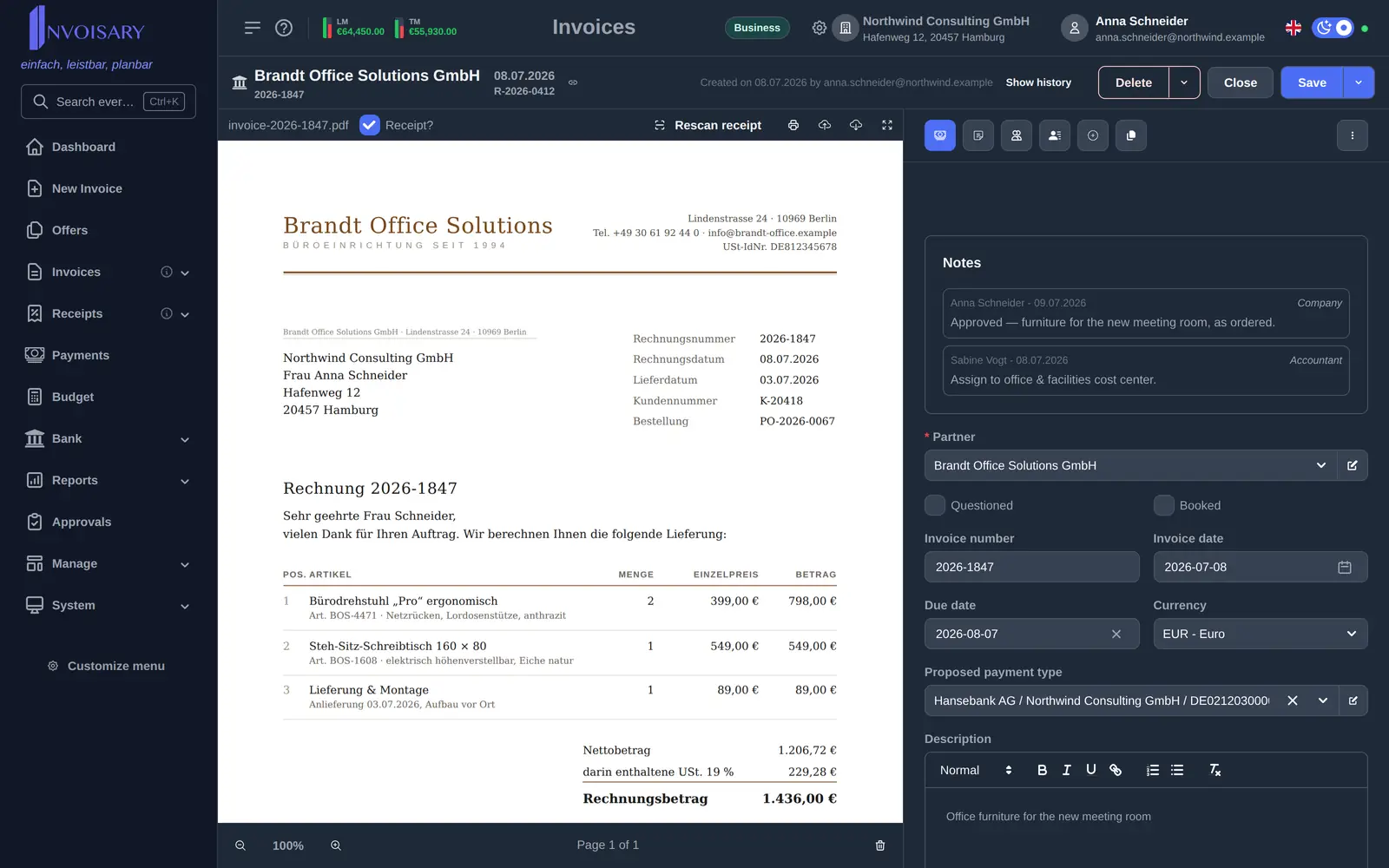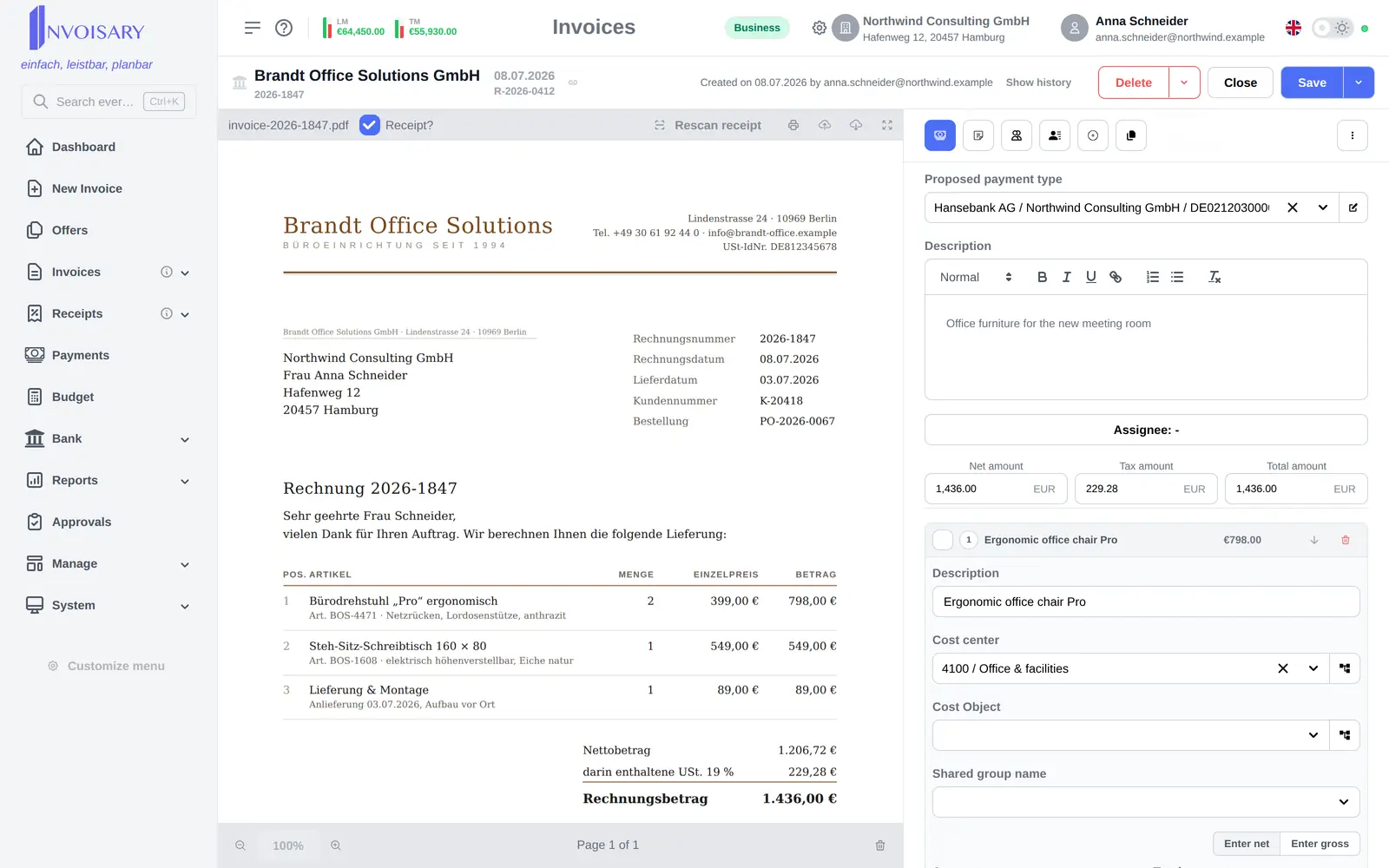

Every invoice type
Incoming invoice, credit-card statement, tax, social security and outgoing invoice are offered as tiles.
Invoices
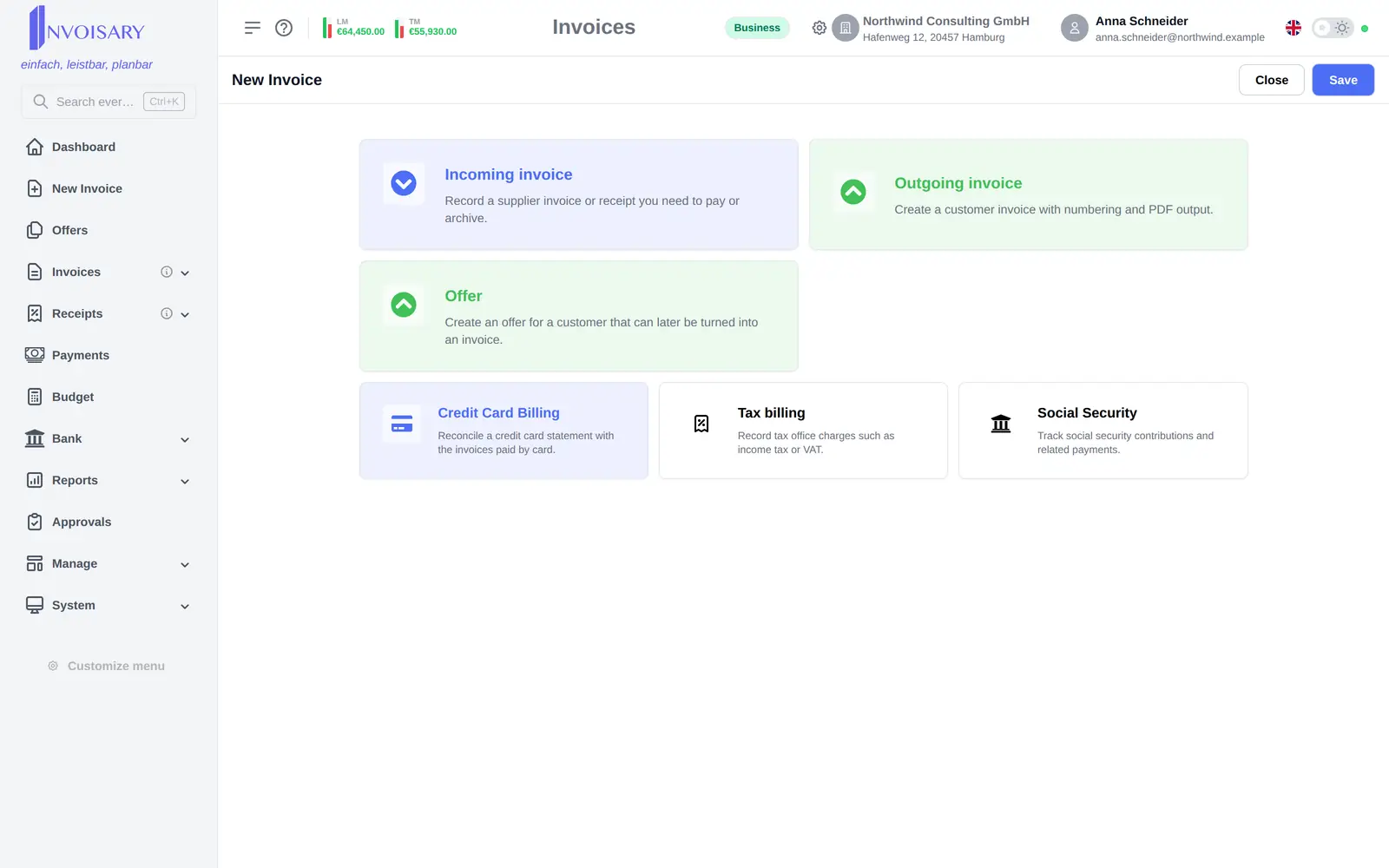
New invoice sits directly below the dashboard in the side navigation and opens the type chooser, instead of sending users through a list first.
What is included
One side-navigation entry opens the invoice type chooser, from an incoming receipt to an outgoing invoice.
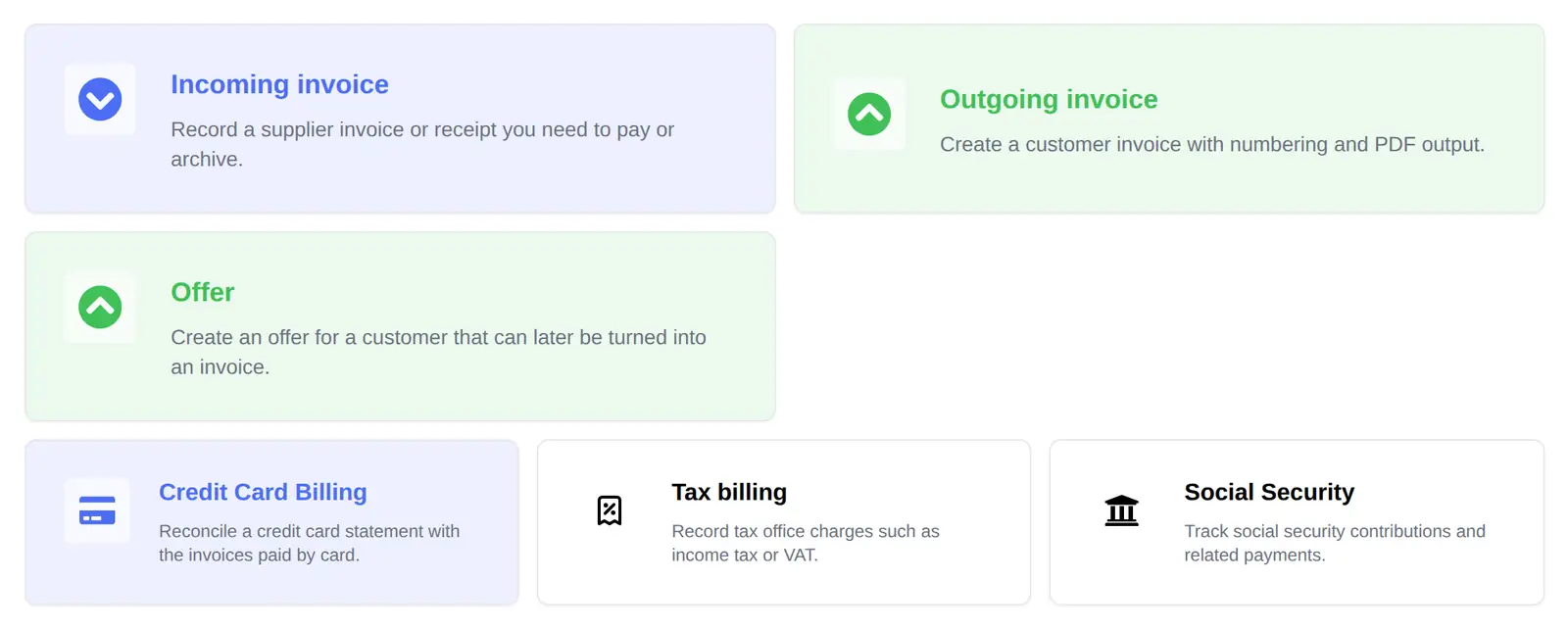
Incoming invoice, credit-card statement, tax, social security and outgoing invoice are offered as tiles.
The entry keeps the same spot in the navigation, so the path to capturing a document stays short.
The choice drives the fields, states and evaluation logic of the invoice, so every document is filed correctly.

Invoisary. Invoices, expenses, and budgets in one workflow.