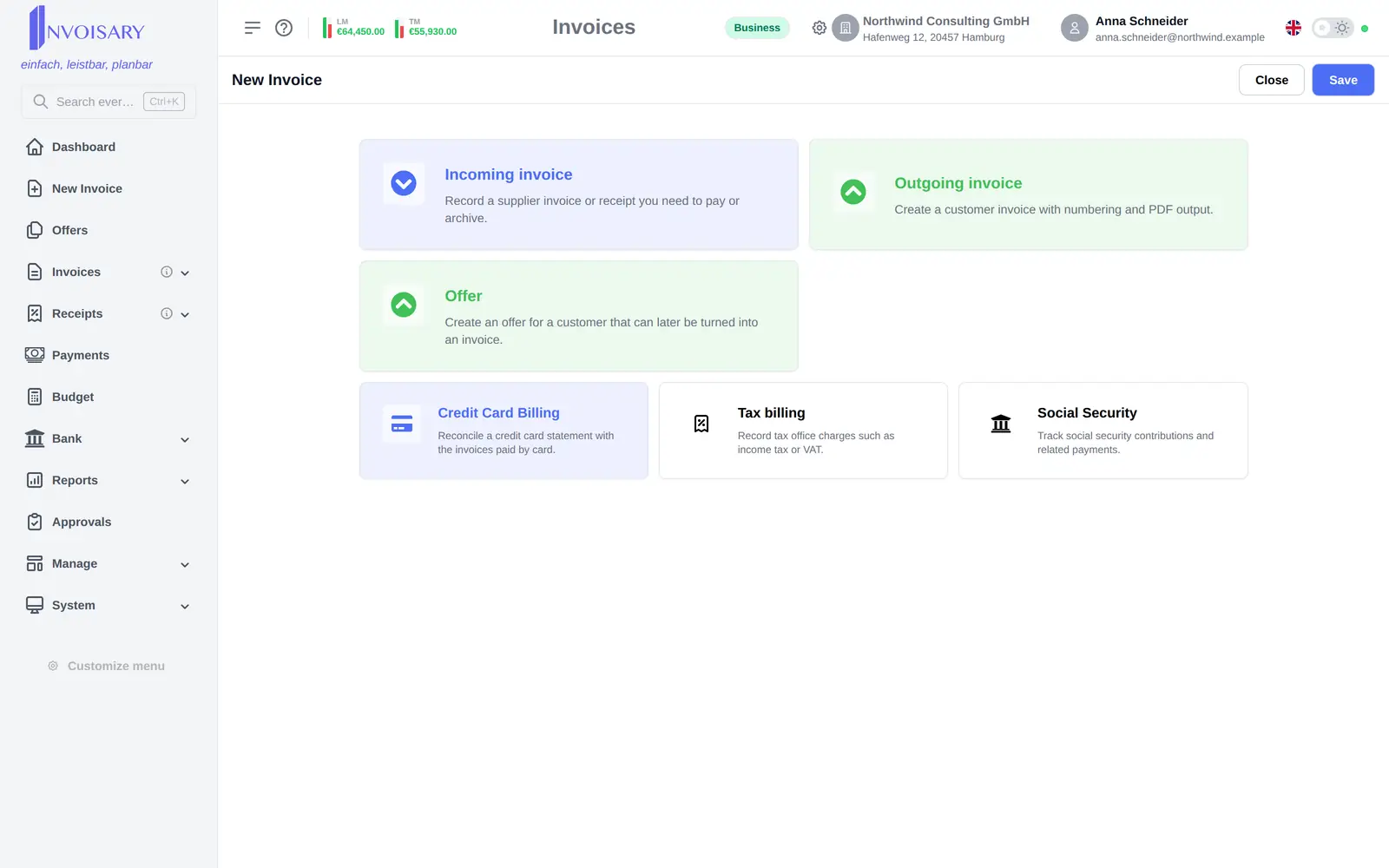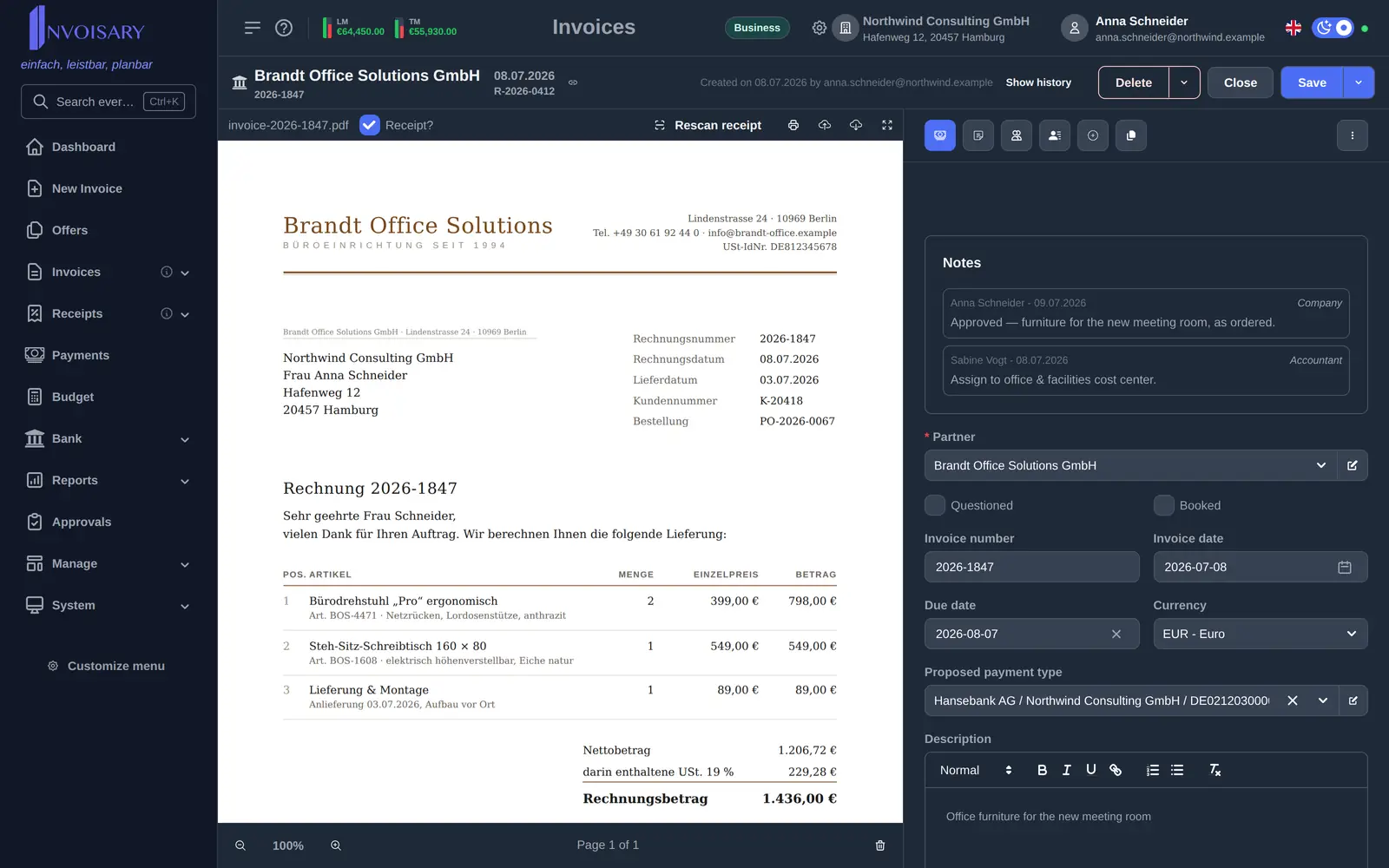

Three ways to capture
Upload documents, forward receipts to your capture address, or enter invoices manually.
Invoices
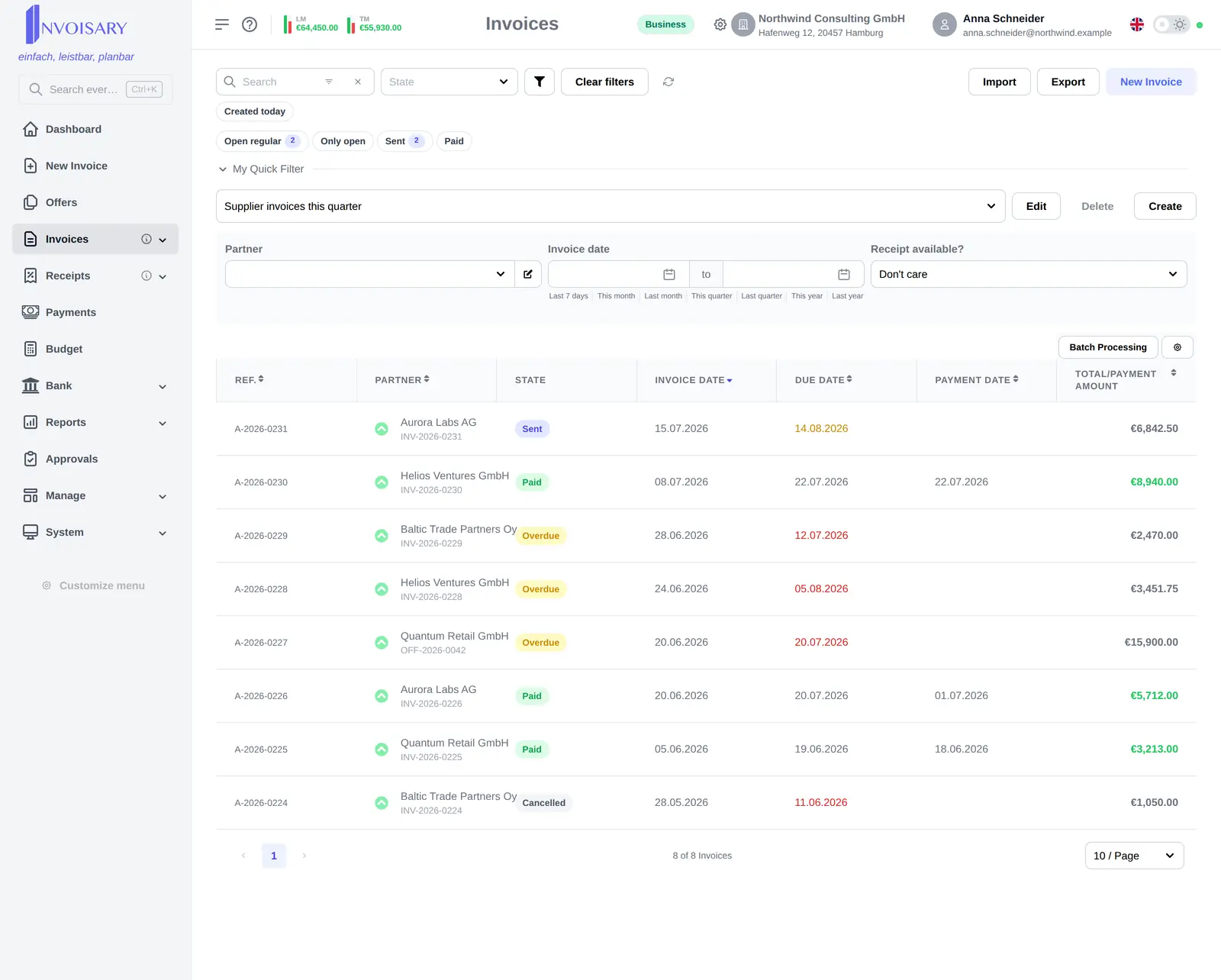
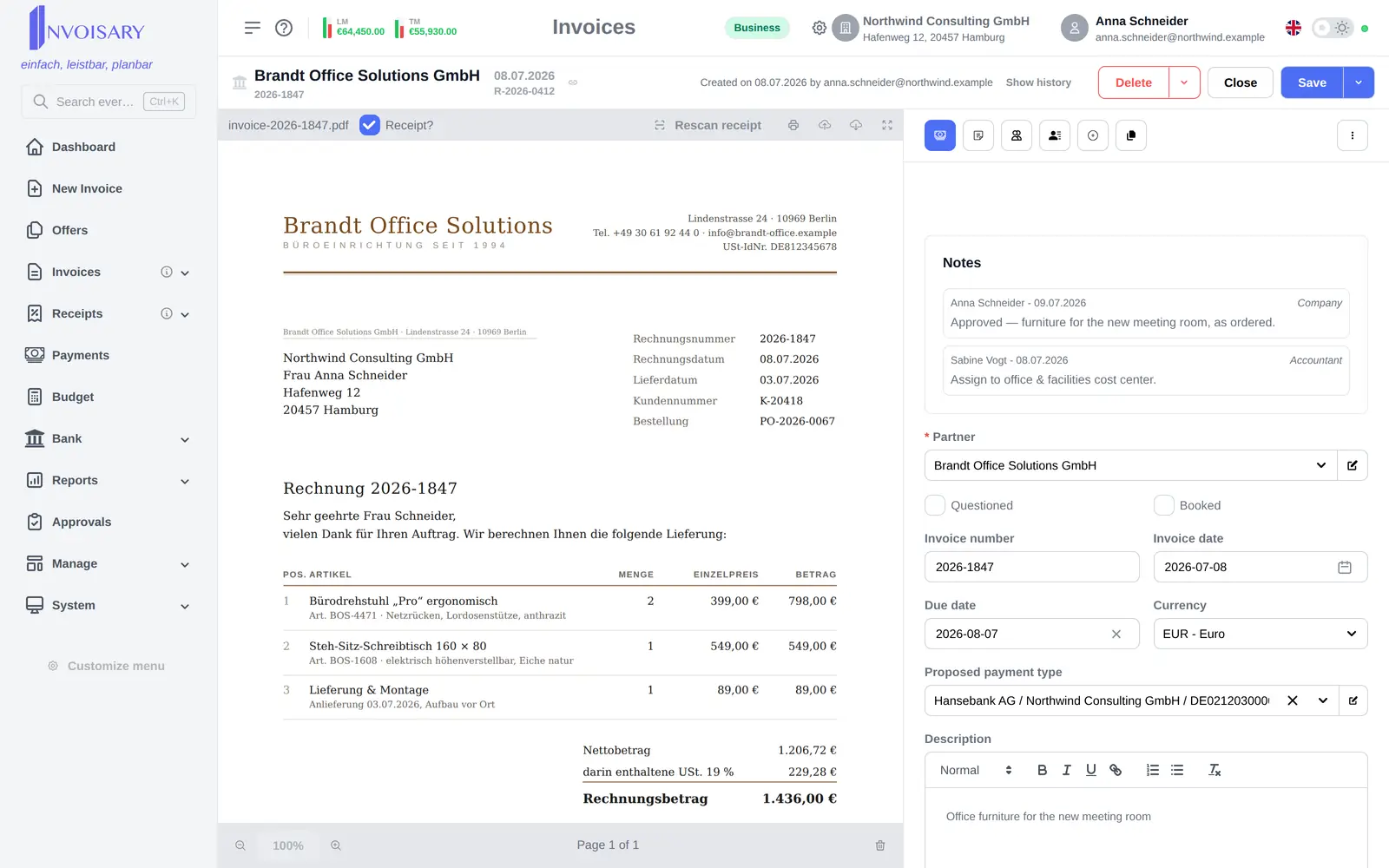
Every expense is kept centrally with supplier, dates, amounts, tax, currency, cost assignment and the attached receipt file.
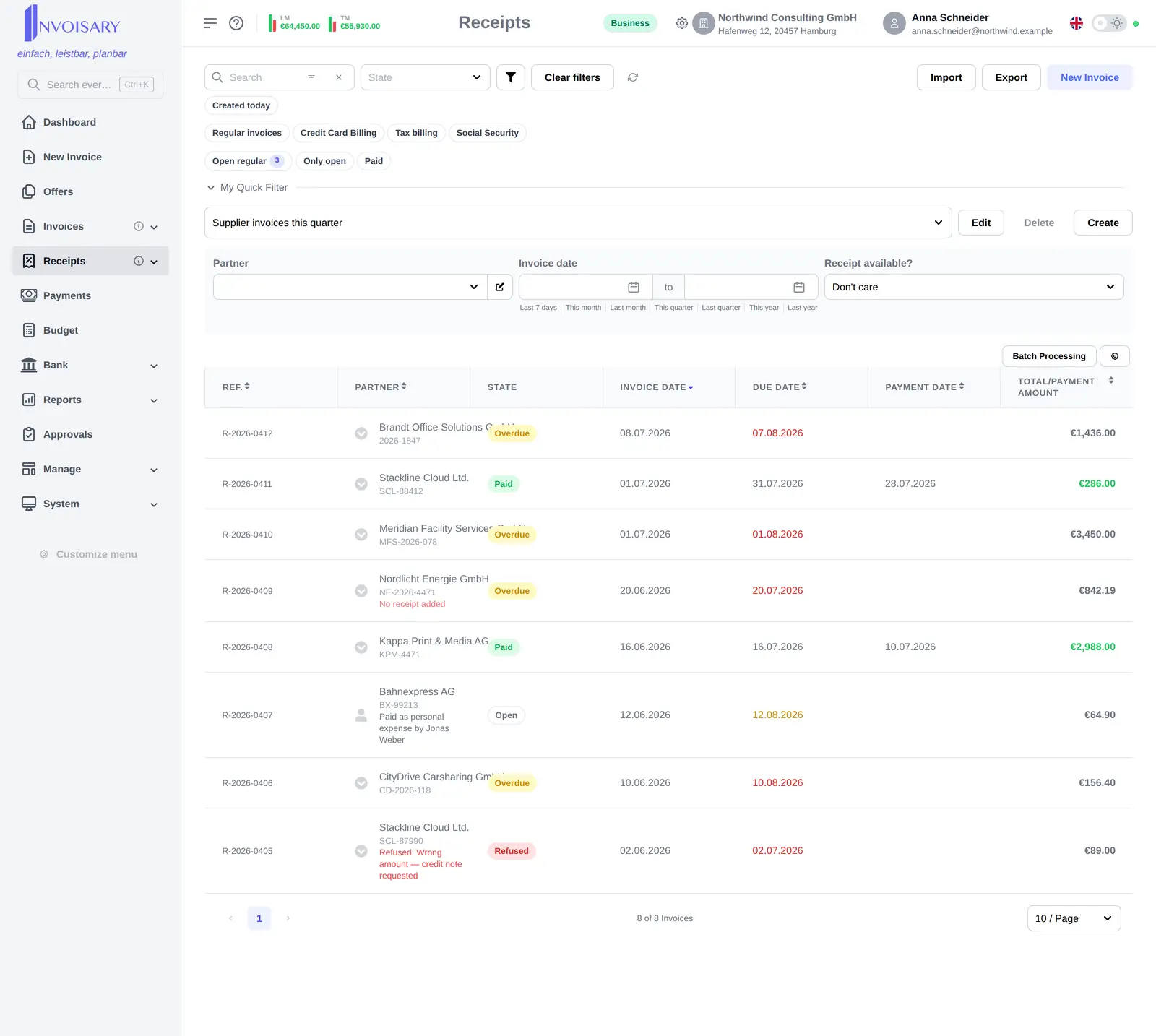
What is included
Register supplier invoices by upload, email forwarding or manual entry and follow them from received to paid.
Upload documents, forward receipts to your capture address, or enter invoices manually.
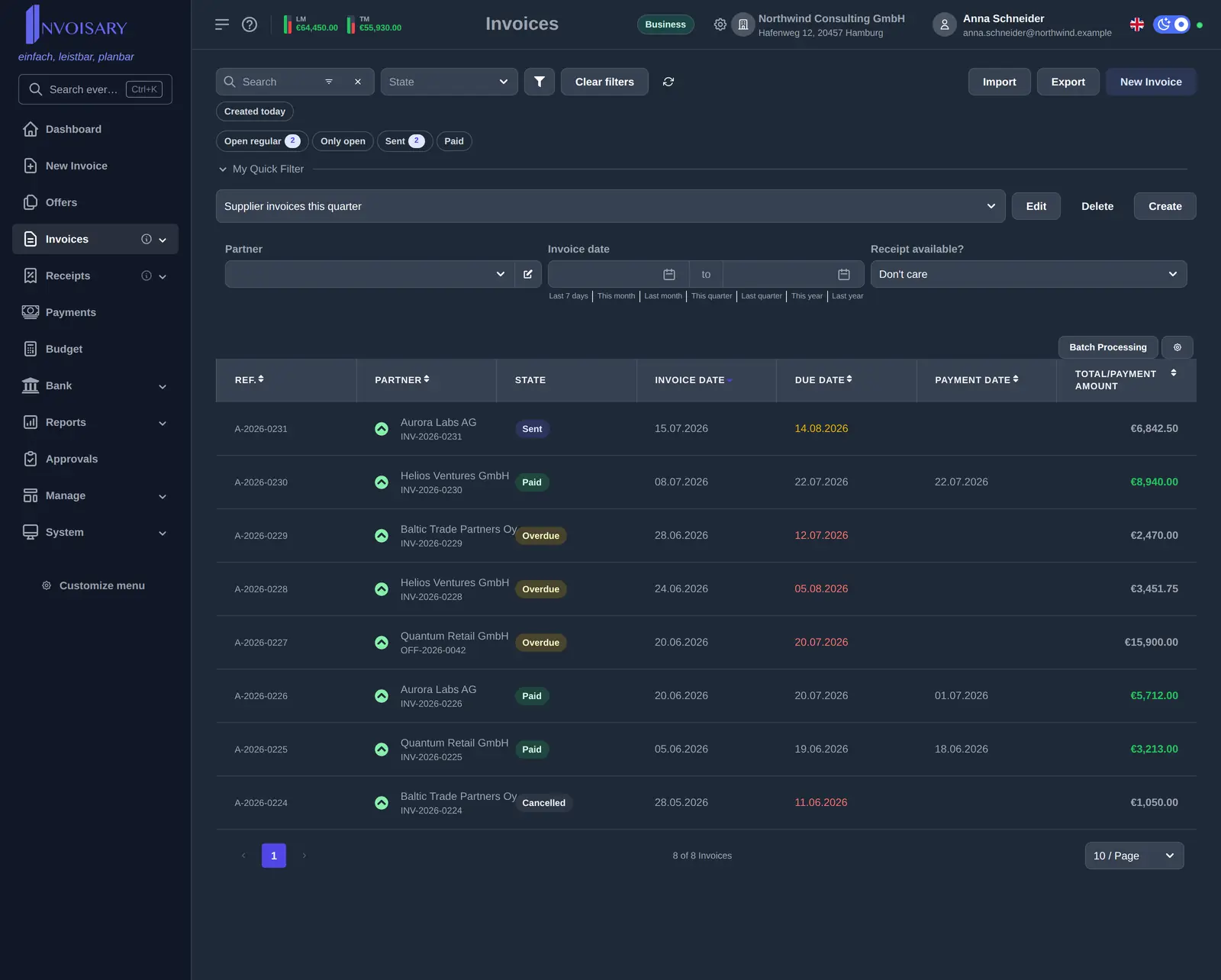
Invoices move from received through open to paid, with sub-states for credit card, personal expenses and direct debit.
Invoices can be refused, sent back to the originator with a question, and linked to one another.

Invoisary. Invoices, expenses, and budgets in one workflow.