
Conditions
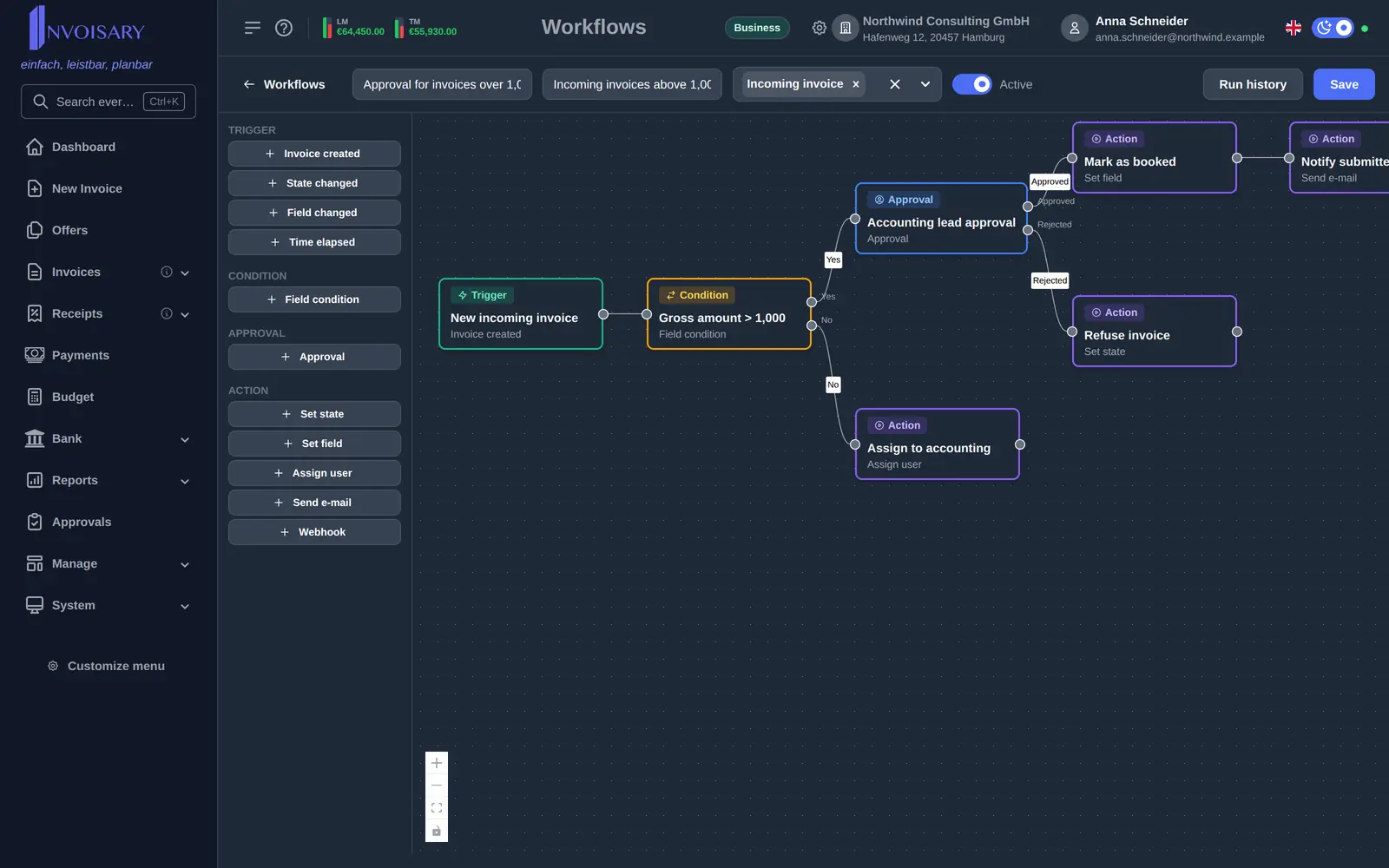
Field conditions compare invoice data such as state, type, amounts, partner name, dates or flags using operators like equals, greater than, contains or is empty.
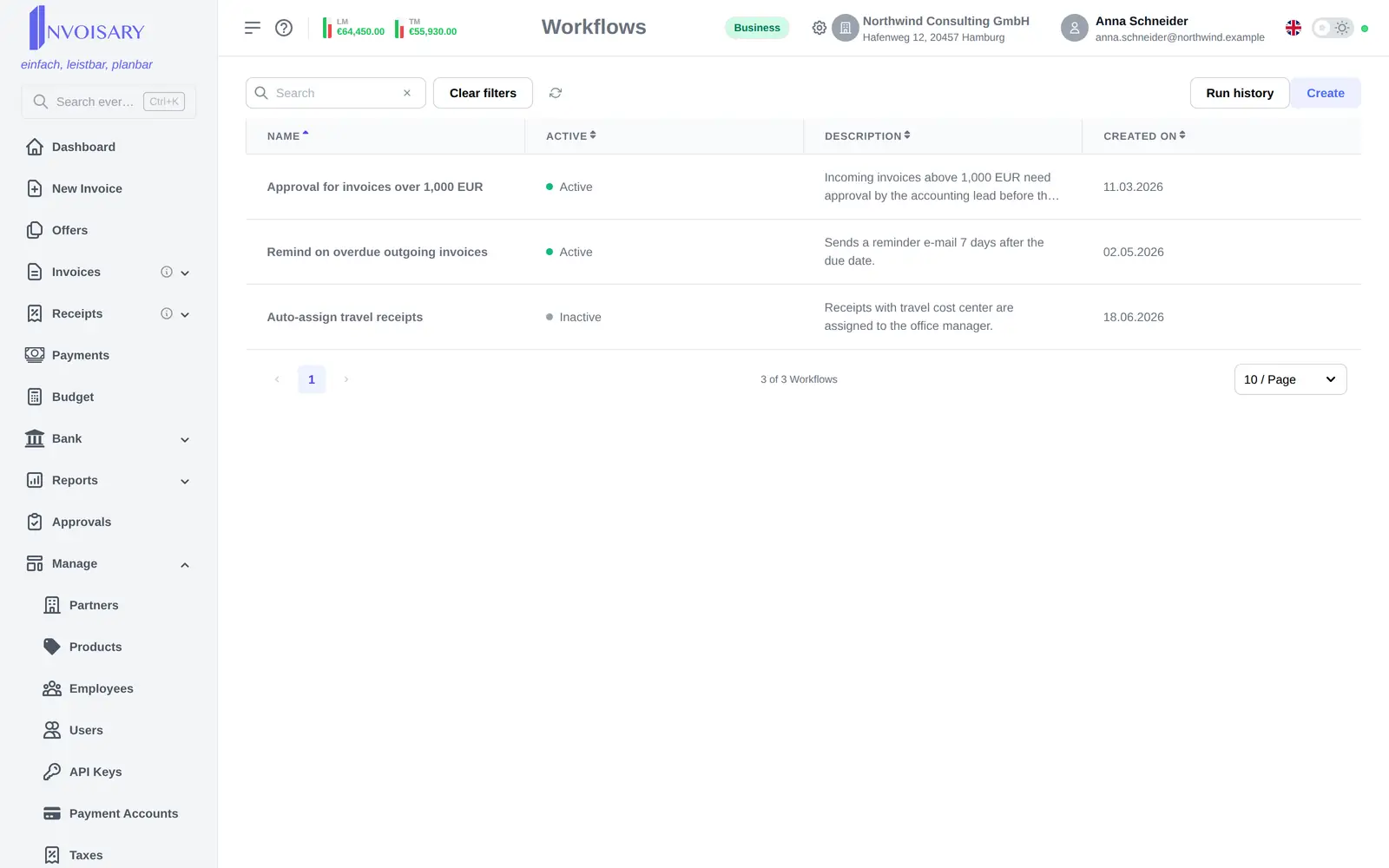
Workflows
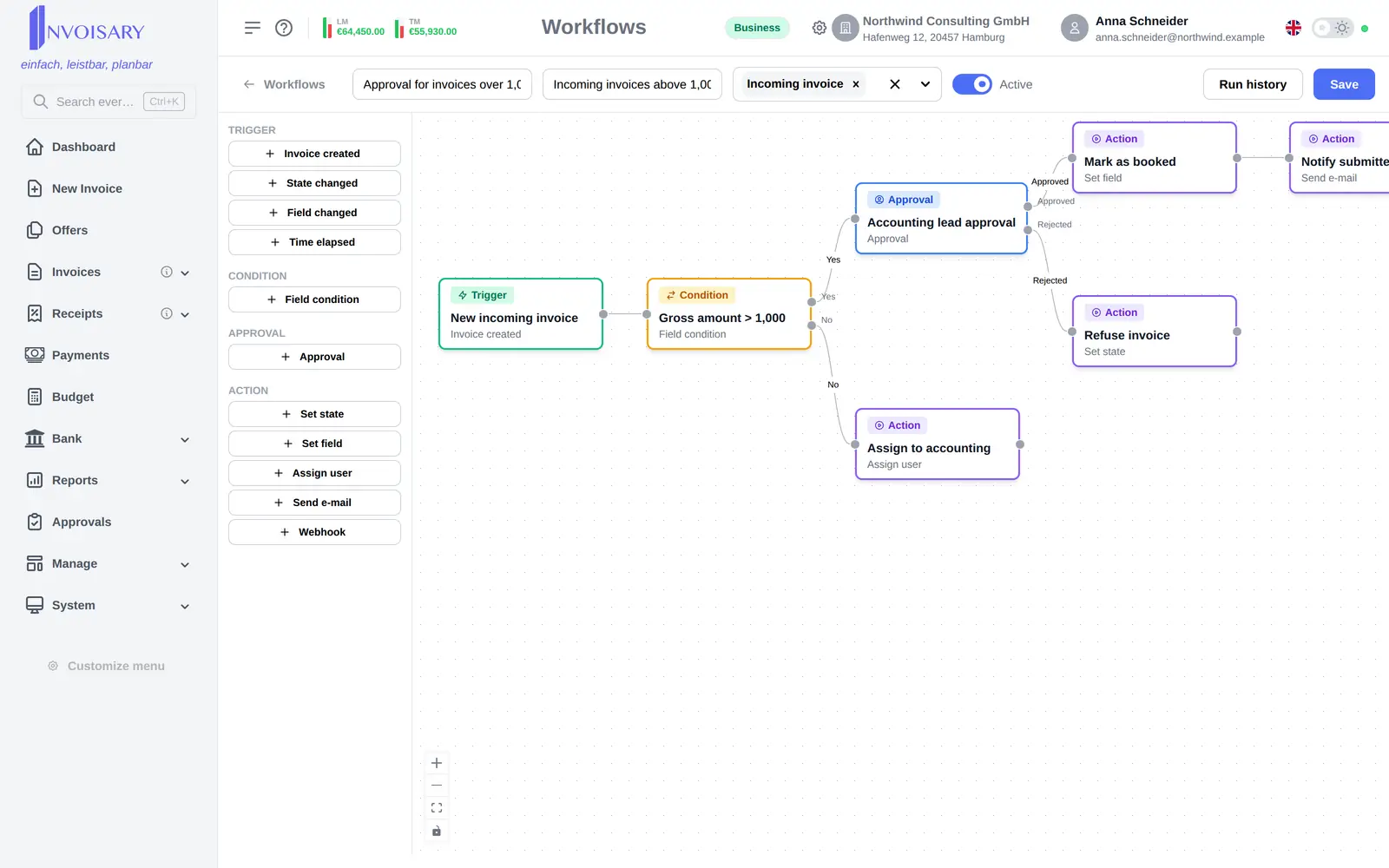
On a canvas, nodes are dragged in from a palette, connected with edges and configured in a side panel.
What is included
Build workflows as a diagram: drag nodes from the palette, connect them, and configure them in a side panel.
Field conditions compare invoice data such as state, type, amounts, partner name, dates or flags using operators like equals, greater than, contains or is empty.
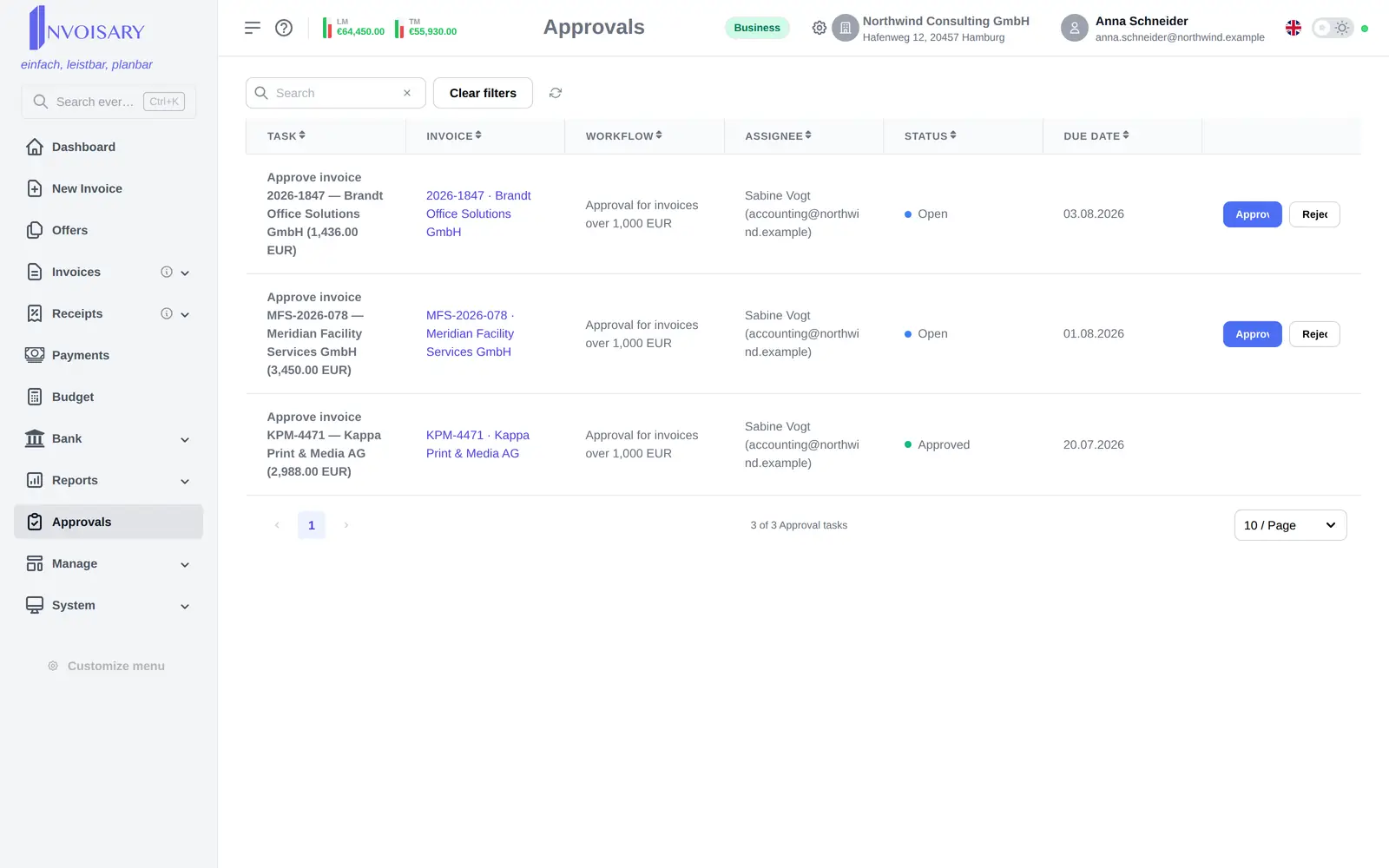
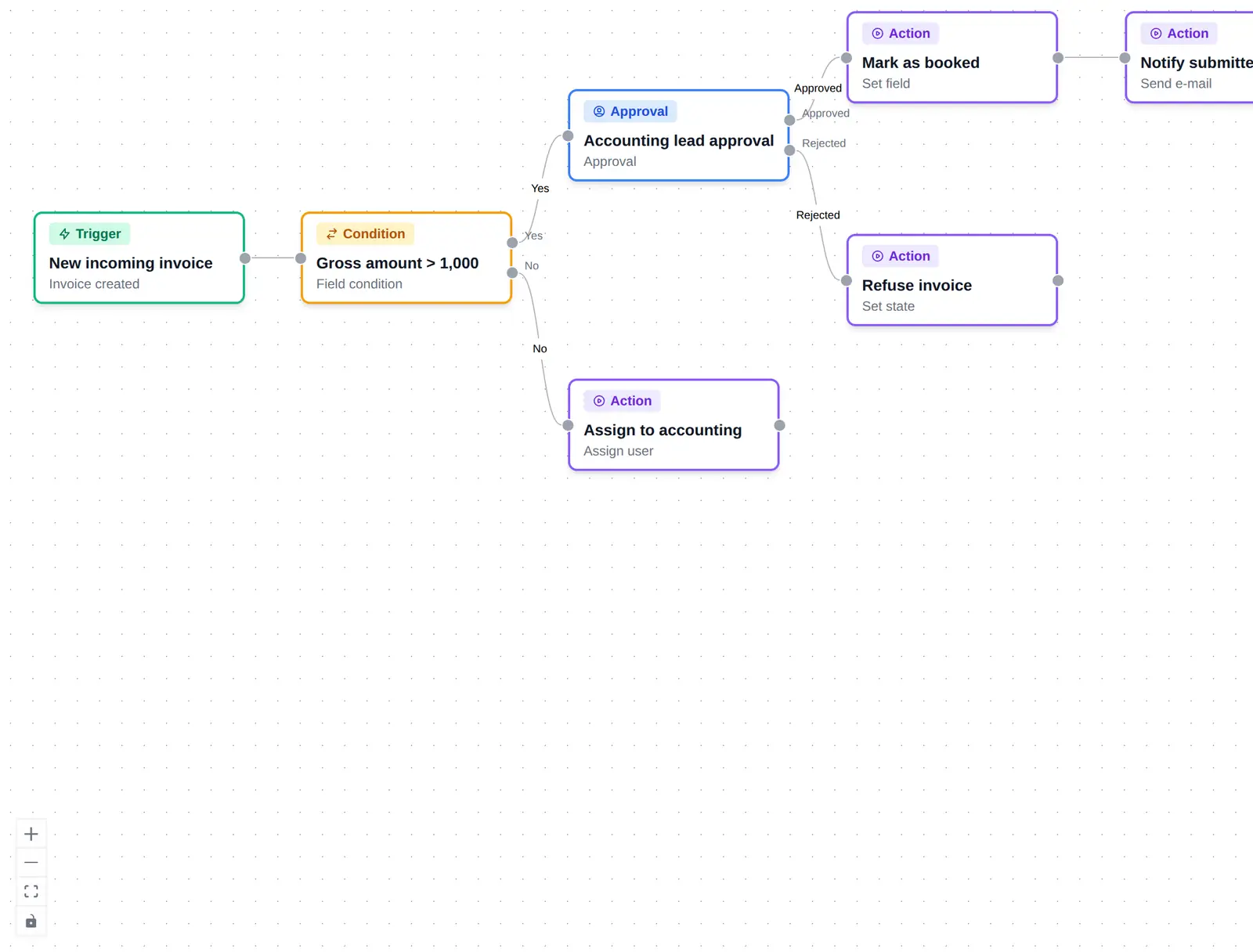
Conditions and approvals branch into yes and no, or approved and rejected, so each outcome takes its own path.
Transition the state, set fields, assign a responsible user, send a templated email, or call an external webhook with the invoice data.
More in the same area

Invoisary. Invoices, expenses, and budgets in one workflow.