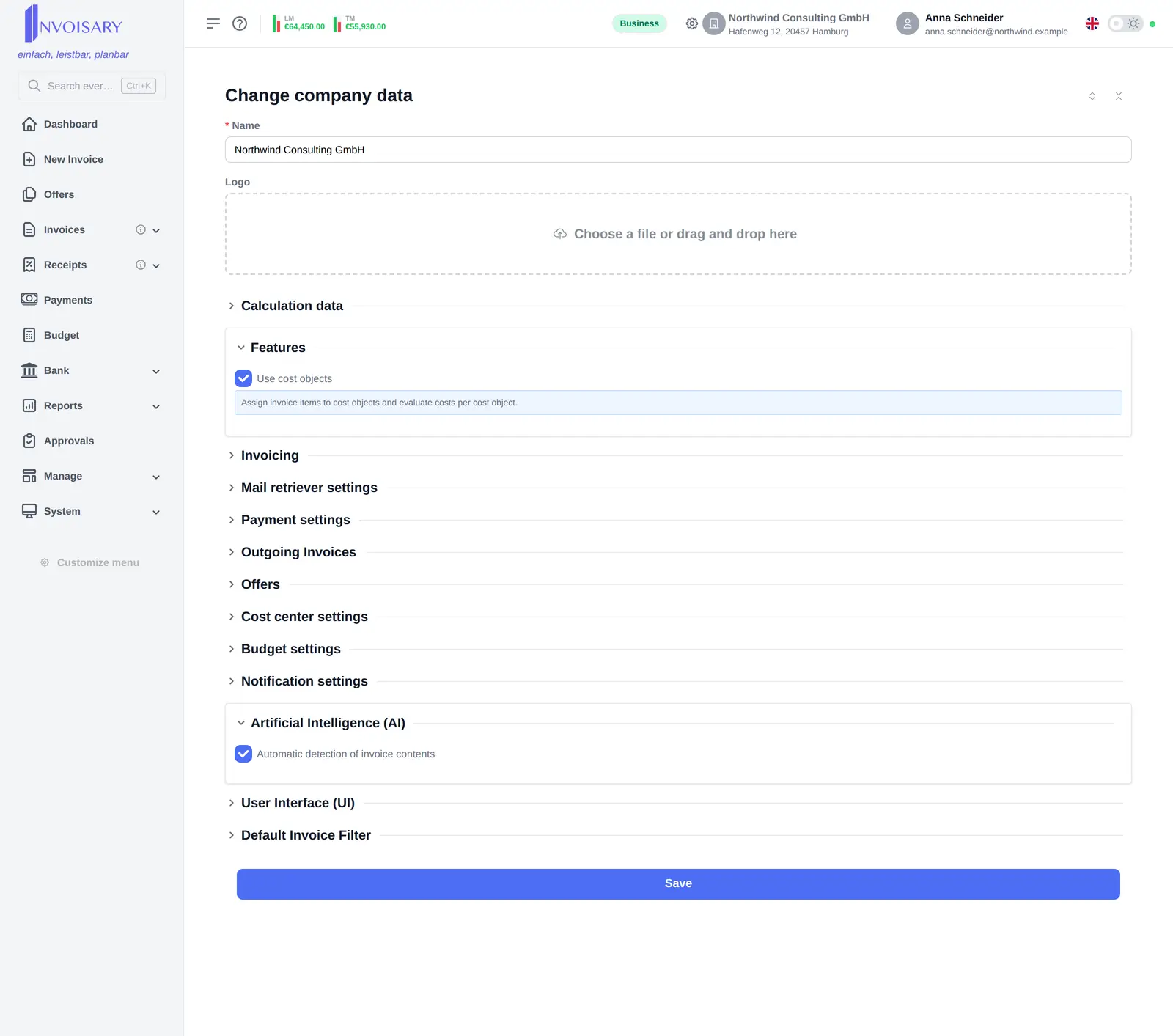

Compose it yourself
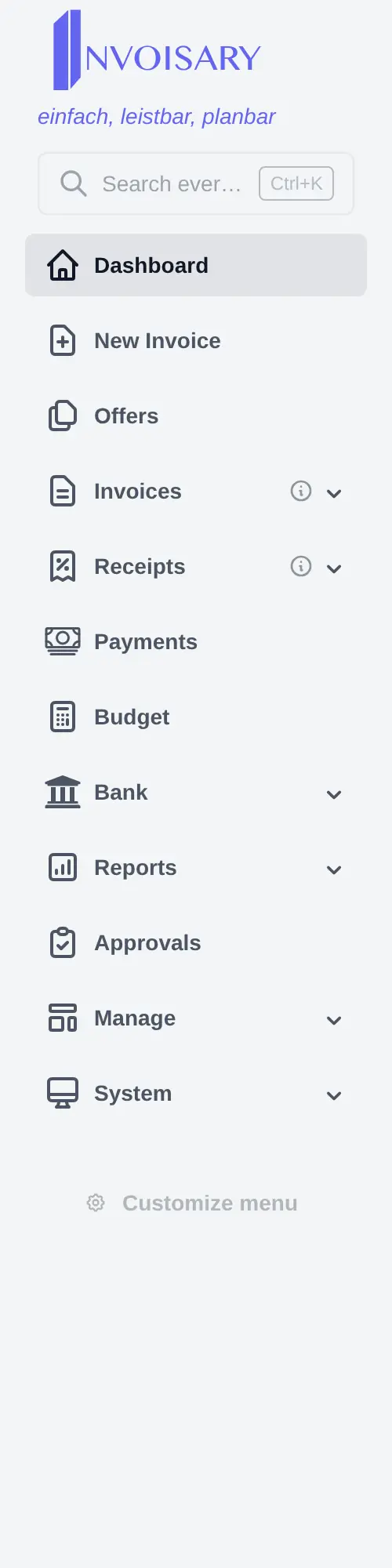
A dialog at the bottom of the navigation shows or hides entries with checkboxes. The choice is stored per user and applies on every device.
Platform
The side navigation is personal and names what is currently not possible, instead of silently leaving entries out.
What is included
Show and hide menu items, and see why an unavailable entry is unavailable.
A dialog at the bottom of the navigation shows or hides entries with checkboxes. The choice is stored per user and applies on every device.
Unavailable entries sit greyed-out in their own section, and a hover explains whether a feature, the data or a permission is missing.
The header names the current page, and the invoice and receipt entries explain the difference between outgoing and incoming invoices on hover.


Invoisary. Invoices, expenses, and budgets in one workflow.