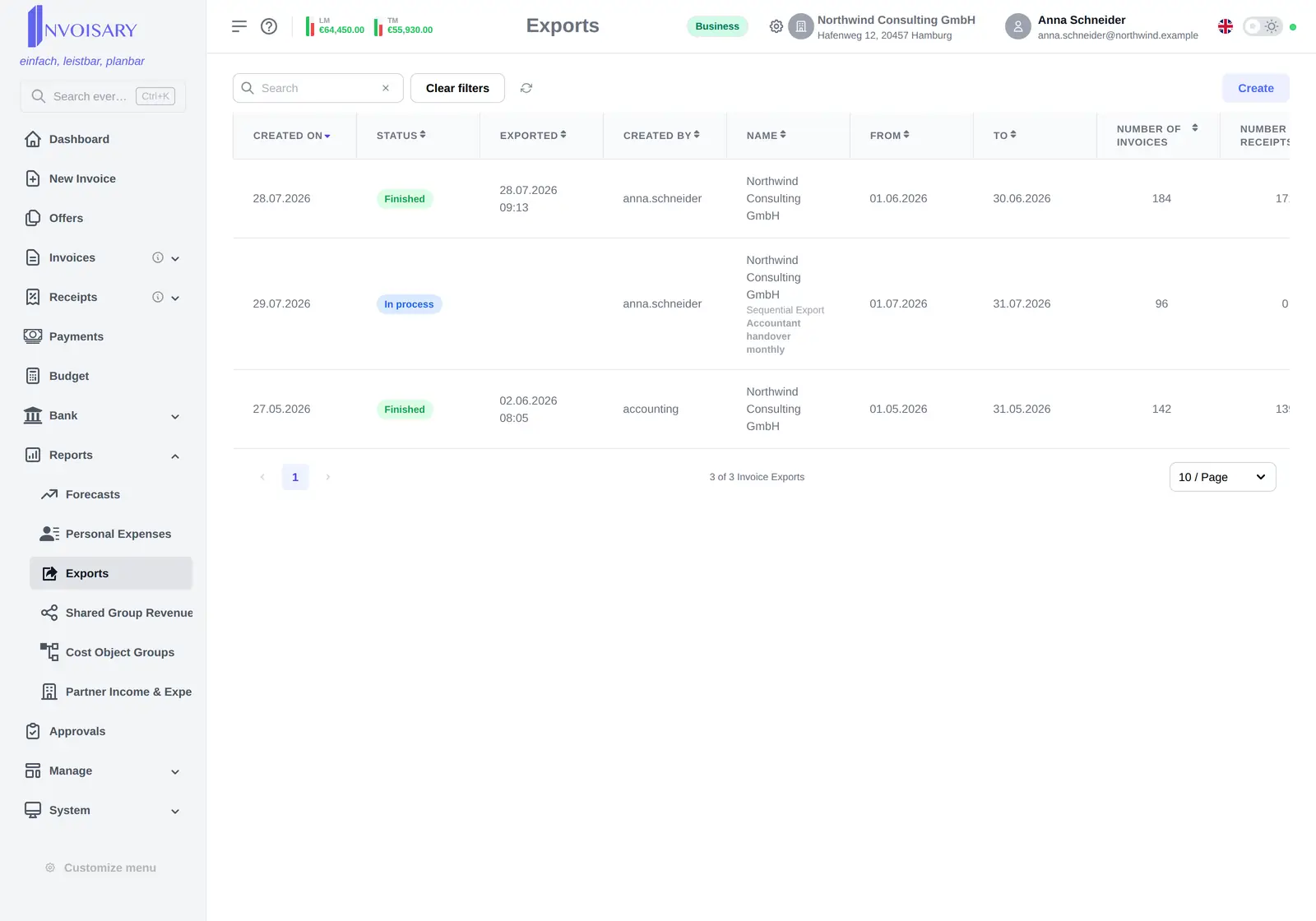

State in view
Open, in process, finished or failed shows as a badge in the list, with a live progress indicator while a run is going.
Exports
Runs happen in the background. The form or the whole tab can be closed and the result waits.
What is included
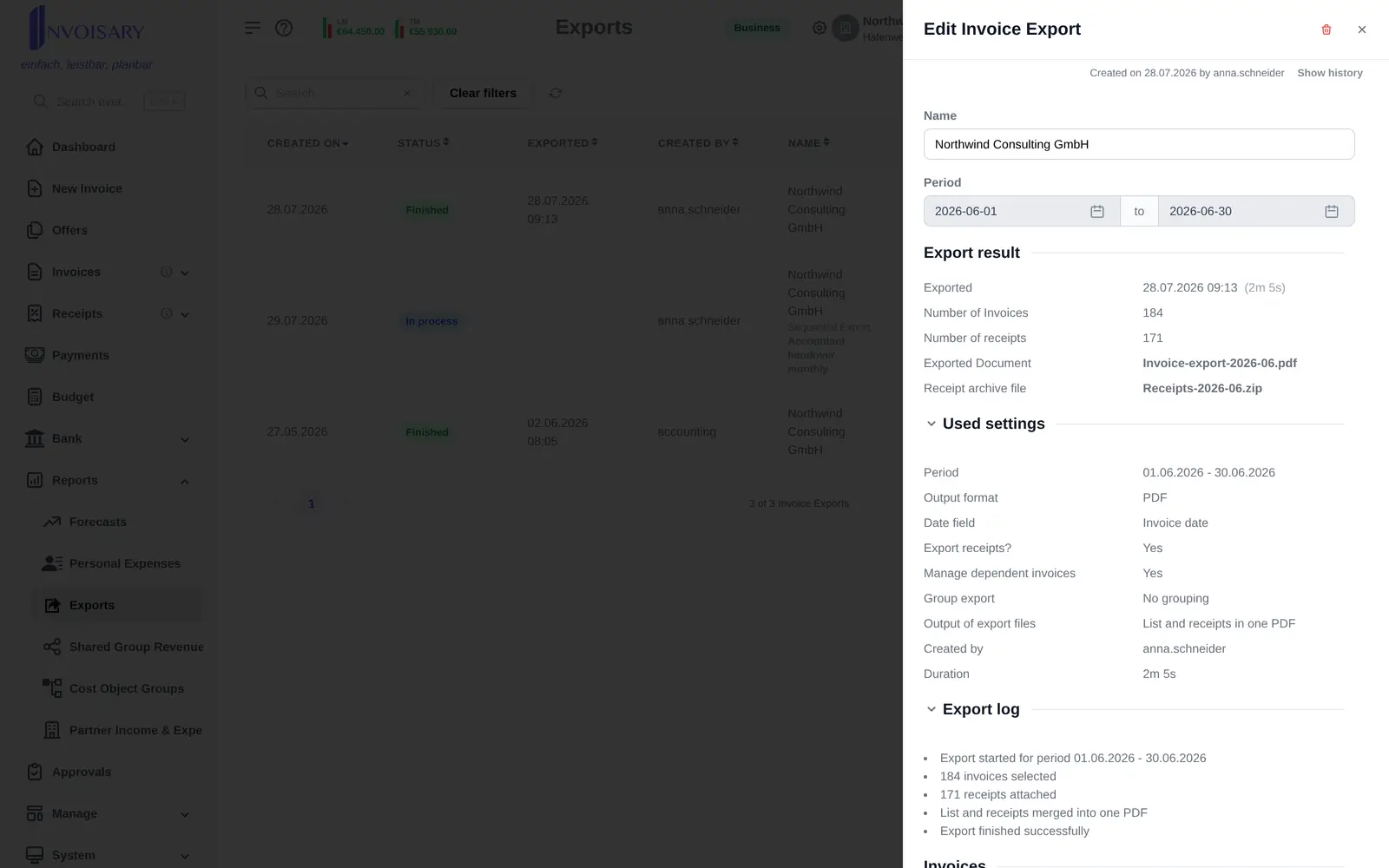
Exports run in the background, announce themselves when done, and document files, counts, settings and warnings.
Open, in process, finished or failed shows as a badge in the list, with a live progress indicator while a run is going.
Completion is announced inside the app, and larger exports of 20 invoices or more additionally email whoever started them.
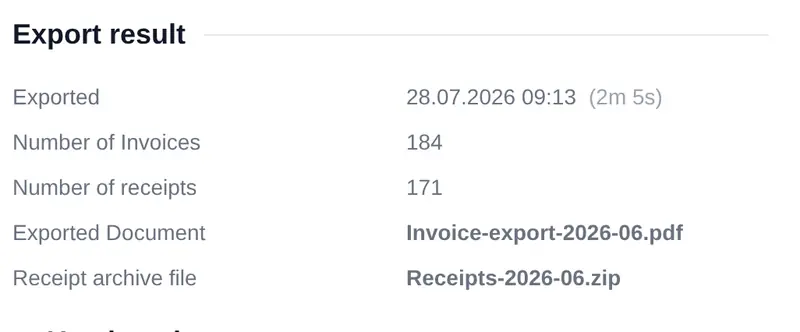
The result lists date and duration, invoice and receipt counts, downloads, the invoices contained, the settings used and a log with any conversion warnings.
More in the same area

Invoisary. Invoices, expenses, and budgets in one workflow.